Weddings
The wedding photo QR code, from the table stands to the speech
A wedding is where a photo QR code earns its place and where it can quietly fail. The room is bigger, the guests are strangers to one another, and the photographs you most want are on the phones of people you have not met. Here is what changes.
The mechanics of a wedding photo QR code are exactly the ones on any event: a printed square that opens an upload page, guests who need no app, account, or password, and photographs that arrive at your collection's short address. What changes is everything around the square. A wedding has more cameras in the room than any other occasion, a guest list that includes people the couple has never met, a moment when the whole room goes quiet enough to hear an instruction, and a hired photographer who will never be standing in row nine. A wedding code is the same technology asked to do a harder job.
What a wedding changes about the code
Three things. The room is large and mixed, so the code has to be everywhere rather than in one place someone mentioned. There is a speech, which is the one scheduled second when the entire room is looking up and listening — free, and never repeated. And the audience is not just family: plus-ones, colleagues who flew in, the caterer's crew, friends of friends. At a wedding of any size you will have photographed strangers, and they will have photographed you, and neither of you has the other's contact details. The code is the only bridge across that gap that costs nothing.
Table stands, and why every table needs one
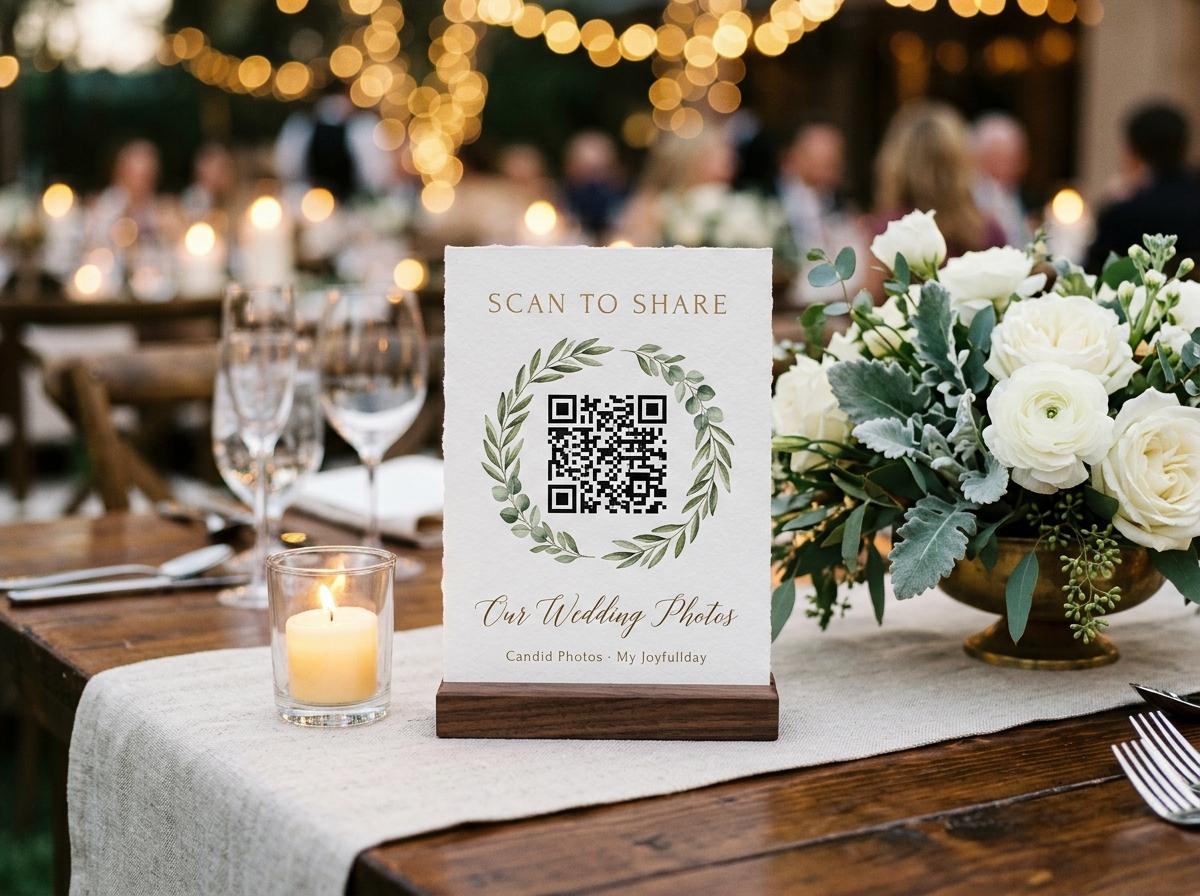
One stand per table is the unit that works
Four stands print on a single A4 sheet from the dashboard, on an ordinary printer, so fifteen tables are four sheets of paper and a folding job. A stand on the table is in front of twelve seated guests for two hours; a stack by the door is seen by whoever carries it in.
Fold them to face the far side
The tent card has to look at the person opposite, not at the wall or at the place where you stood while arranging the flowers. Check the small print reads from a seated distance, because a guest will not lean over the soup to find out.
Add one where people stand
The bar, the cake table, the photo wall, the cloakroom. The guests who never sat at a table are the ones with no stand in front of them, and they carry the photographs of the dance floor you cannot get from your seats.
Put the plain address beside the square
One guest will not trust a code and another will not get their camera to focus. A printed web address is the slower, complete version of the same journey, and it is also the line you can copy into a message the next morning for the people who flew home.
Print spares for the tables that go missing
A stand gets borrowed for a photograph, knocked over, or packed away before the evening. Two or three spares kept at the top table mean the sixth table is never the one that spent the whole reception with no way to send anything.
Announcing the code during the speeches
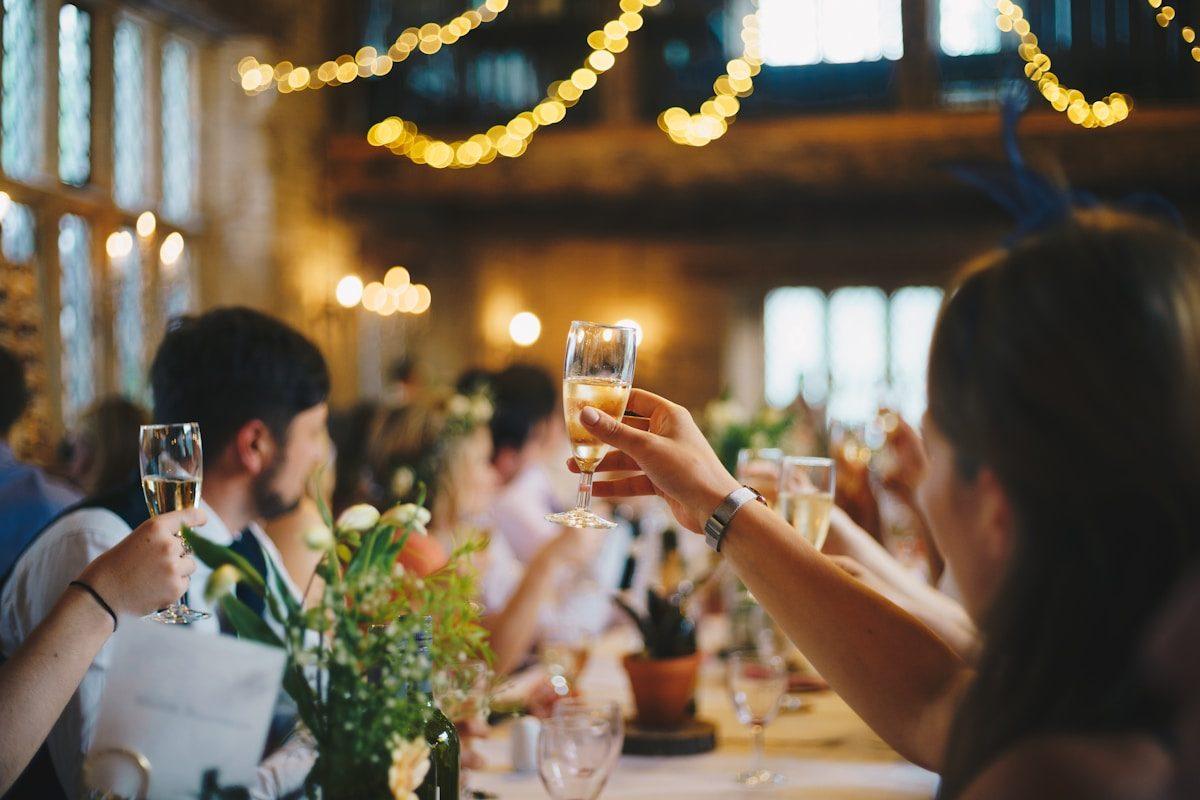
There is one moment at a wedding when two hundred people are silent and pointed at the same place, and it is worth spending thirty of those seconds on the photographs. The line that works is short and concrete: the code on your table is how your pictures reach us, and the ones you send are the ones on the screen behind the band tonight. Then say when it closes, because a date is the only thing that makes a guest do it this week rather than in principle. Do not make it an apology for asking; make it an invitation to be on the wall. The person seated beside a guest who has just done it is the one most likely to follow, which is why the announcement lands better after the first table has already uploaded than before anyone has.
A code that starts working before the day
Print it on the invitation and the order of the day
A code that appears on the card people carry into the room is read before they sit down. Guests who like to prepare send a photograph on the way, and the collection already has a few files in it when the first seated guest looks up from the soup, which is the difference between a page that feels alive and a page that feels abandoned.
Give the address to the people who cannot come
A relative abroad or a friend who was unwell gets the same link as a guest at table four. They send a message, a photograph, a short clip of the toast they heard on a phone speaker, and it lands in the one archive beside everything from the room. The collection accepts contributions from the moment it opens.
The slideshow needs something to play on it
A wall screen showing an empty rotation tells the room that nothing is happening. Put a couple of your own photographs in before the doors open — the venue, the table setting, a frame from before the day — and the first guest to scan sees their own picture join a display that was already moving.
Approval, because the room holds people you have never met
Switch it on before the doors open
Approval holds every submission until the host accepts it. It is a switch in the settings of your collection, and it is the setting a wedding wants when the guest list contains plus-ones, suppliers, and friends-of-friends whose taste you have not tested.
Nothing shows until you say so
A photograph that arrives under approval does not enter the gallery and does not play on the room screen until it is accepted. The collection keeps filling behind the scenes while the wall shows only what a person chose.
You review it on your phone, twice
Once before the main course, once before the last dance. Ten seconds each pass, mostly quick yeses. Rejected files are excluded from the download, so the archive at the end is exactly what you kept, not what the room dumped.
Reject the blur, not the person
The job is to keep the room screen decent, not to build a perfect exhibition. Floors, elbows and the back of a head go; a slightly soft photograph of your aunt laughing stays. The real curation happens after the download, with time and hindsight.
Let the couple watch it fill
Approval is the reason a bride can hand the slideshow link to the venue without worrying about what plays on it. Only accepted photographs show, which is the difference between privacy as a fence and privacy as a filter you control.
One collection for the whole day
- The ceremony, the speeches, the floor
- One collection holds the entire wedding rather than being split into separate albums that someone has to stitch together. Every stand points at the same address, so the photographs from the vows and the ones from the send-off land in one archive with one closing date.
- A name against every file
- Each guest gives a name once, and the page remembers who is typing for twelve hours. Attribution is what turns a pile of strangers' photographs into a set you can ask a follow-up question about in March.
- Stills and clips in one submission
- The speech someone filmed horizontally at the edge of a table belongs in the same place as the stills of it. Video is on Gather and above; the free tier takes photographs only.
- Files that stay full size
- What a guest chose is stored as it arrived. A thumbnail is drawn in their browser for the grid; the download is the original on Celebrate and Keepsake, and a standard download on Gather.
- The address is not listed
- The collection sits at an unlisted web address, and guest pages are kept out of search indexes, so a wedding album forwarded to a colleague does not begin surfacing for other people who type the couple's names.
The slideshow behind the band
Without a room display
- A guest uploads three photographs and sees nothing happen, so they conclude the page is broken.
- The asking depends entirely on the speech being remembered.
- Nobody at table six knows table two is contributing.
- The collection fills late, if at all, because nothing rewarded the first senders.
- The hired photographer's set is the only thing anyone looks at afterwards.
With the slideshow running
- A guest watches their own photograph appear on the wall and tells the person beside them.
- The room feeds itself: one scan prompts three more at the same table.
- The slideshow plays only what approval accepted, on a separate token-gated address.
- Twelve looks set the pace for a room rather than a phone screen.
- It is included on Celebrate and Keepsake, and a nine-dollar add-on on Gather.
The slideshow runs at its own address, so you can hand the venue a screen link without handing over the collection or the dashboard. That is the polite way to get a projector pointed at the photographs.
What survives after the collection comes down
Every plan states how long the collection stays online counted from the event date: seven days free, six months on Gather, twelve on Celebrate, twenty-four on Keepsake, with paid extensions. Warning mail goes out before anything is removed. When the collection comes down, the archive the couple downloaded is the copy that survives. So the honest final step is the download, taken early, while the wedding is still the most interesting folder on the laptop rather than a link nobody remembers opening in month eleven.
Check the event date before the first stand goes out
The closing date is counted from the event date on the collection. A wrong date does not announce itself; it simply brings the gallery down sooner than you expected, after the last guest has already sent their photographs. Set it right once, before anything is printed.
How retention worksChoosing the plan for a wedding
- Guests never pay and never see a price on any tier, so the plan only sets capacity and time, never access.
- The free tier holds 20 photographs from 10 contributors for 7 days with no downloads; it is a rehearsal, not a wedding plan.
- Gather at nineteen dollars takes 200 photographs, 30 clips and unlimited contributors, with the slideshow and video guestbook as add-ons.
- Celebrate at thirty-nine is the one most couples choose: 750 photographs, 100 clips, the live slideshow and original-quality downloads for twelve months.
- Keepsake at sixty-nine raises the ceiling to 2,000 photographs and 300 clips for two years, with premium themes and two extra people to help manage it.
Extra uploads and longer retention are bought as add-ons when a full evening runs to the edge of a plan, which is a purchase rather than a rebuild of the collection.
Wedding photo QR code questions
Do wedding guests need an app to use the code?
No, at any tier. The phone camera reads the square, the browser opens the upload page, and the guest chooses files and gives a name. There is nothing to download and no password to invent at a dinner table.
Should I turn approval on for a wedding?
Most couples with a mixed room and a projector should. It is a switch you turn on in the settings, and it holds submissions until you accept them, so nothing shows on the wall that a person has not looked at.
How many stands do we print?
One per table, plus a couple for the bar and the cake. Four stands print on a single A4 sheet from the dashboard on an ordinary printer, so a full room is a handful of sheets and a folding job.
Can we announce the code without making it a whole speech?
Yes. One line during the welcome or the toasts: the code on your table is how your pictures reach us, and they play on the screen tonight. Say the closing date too, so people send this week rather than eventually.
Will the photographs our guests took appear on the slideshow?
If the slideshow is running and approval is on, only the submissions you accept play on it. The wall and the gallery are the same collection, arranged for a room instead of a hand.
Does the slideshow need its own link?
It plays at a separate token-gated address. You give that to whoever runs the projector, and the main collection address stays with the guests and the stands.
How long does a wedding collection stay online?
Six months on Gather, twelve on Celebrate, twenty-four on Keepsake, counted from the event date, with warning mail before it comes down. The download you take is the copy that lasts afterwards.
Put a code on every wedding table
Open the collection, print the stands, switch approval on, and say the line in the speech. The photographs you are missing are on the phones of guests you have not met yet.
QR code photo sharing
Put one link on the tables and let everyone contribute.
Create a collection, print the table stands, and the photographs your guests took are waiting for you the morning after. Guests never install anything and never make an account.