For guests
Wedding guest photo sharing, from their side of the table
Four taps, one name, nothing to install. What your guests actually have to do to send you their photographs, and how to make it cost them nothing.
Guest photographs from the ceremony, the speeches and the dance floor.
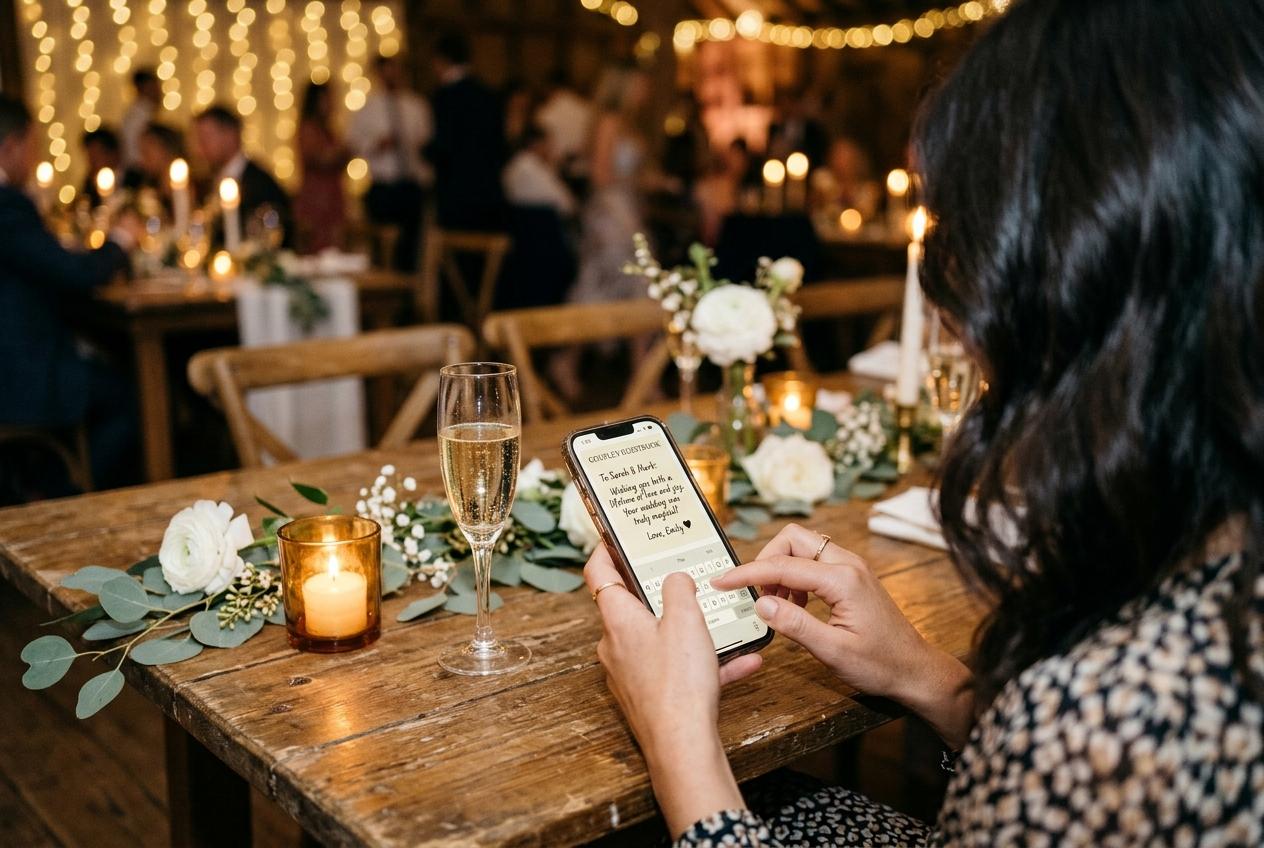
If you are the guest reading this, the ask is small. Point your camera at the card on the table, choose the photographs you took today, type your first name, press send. If you are the couple, this page is about why those four taps are the only version of wedding guest photo sharing that gets used, and what a guest needs in order to get as far as the fourth one.
A guest will not create an account at your wedding, will not install anything for you, and will not remember to do it later. All three of those are reasonable, and the design has to agree with them.
What your guest is holding at nine o'clock
Picture the actual situation from their seat. It is the middle of your reception. They are in a room they cannot leave easily, wearing clothes they did not choose, sitting beside people they have not seen in years. Their phone contains forty-one photographs of your day: six good ones, thirty accidental ones, and a nine-second clip of the speech they are slightly embarrassed to have taken. Anything you ask of them has to be easier than the option of doing nothing, which is the honest baseline.
- The photographs
- Already in the phone, already organised by the camera app into today. Nobody is going to hunt through last year to find them, so the ask has to happen within a day or two of the event and the picker has to open on the recents.
- The hesitation
- Most guests have taken far more photographs than they think are worth sending, and they do not want to be the person who dumped three hundred files on the bride. A request for a handful of frames, in writing on the page, solves the problem they cannot articulate.
- The clock
- Attention lasts about as long as the meal. A guest who is handed the link after the cake is being asked to do homework at the exact moment they are putting their shoes back on.
- The doubt
- Somebody at every wedding thinks: is this a scam, is this a marketing page, whose is this? A guest page that opens with your names and your date answers it before they have to ask.
Four taps, start to finish
They open the page
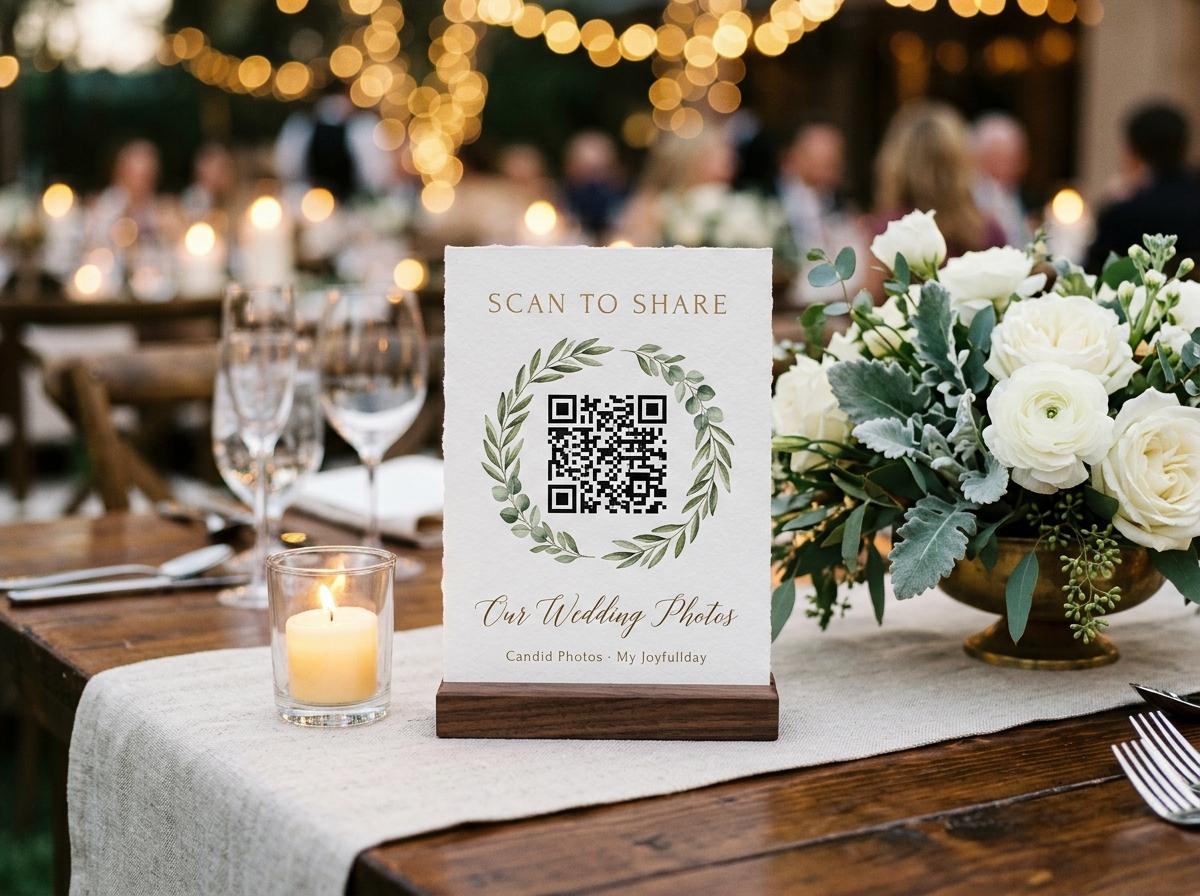
The phone's own camera app reads the code on the table card, and the browser they already use opens the collection. There is no app to install and no third-party scanner to find. If the code will not focus, the same address is printed beside it as text.
They read one line from you
The occasion, the hosts' names and the date are on the page, and above the picker is the welcome line you wrote. This is the moment a guest decides whether to bother, which is why two plain sentences beat a paragraph of warmth.
They choose files
Photographs and video clips in the same picker, as many as they like in one submission, from the album their phone already sorted. Nothing is squeezed on the way out to make the upload lighter.
They give a name
One field. It is the only thing asked, and it is asked because it is the only thing worth the cost: it tells you whose camera a photograph came from. A guest who sends again within twelve hours is not asked twice, because the page remembers who is typing.
They press send and go back to the table
A receipt says the submission arrived. There is no email to verify, no second device, nothing to keep open, and no reason to remember any of it happened.
Every field you add to a guest page is a guest who does not finish. The name is the only one that pays for itself.
What a guest page should never ask for
The list below is short because a guest needs to give almost nothing in order to hand over a photograph. Everything in the left column is a reason to close the tab, and every one of them is a decision you get to make before the invitations go out.
Ask this and contributions stop
- An email address before the first upload is even possible.
- A password, or a verification link they have to open on a laptop in your hotel.
- A relationship to the couple, a table number, a phone number.
- A checkbox about whether their name is shown to other guests.
- A choice between photo and video before they have picked a file.
- A wall of legal text on a page a guest opens for twenty seconds.
This is enough
- Their name, once, in one field.
- A picker that takes stills and clips together.
- One line saying where the photographs go and what happens to them.
- A receipt that the submission arrived.
- Quiet for the next twelve hours: the page knows who is typing.
Guests never pay, never see a price, and never register, on the free plan or the most expensive one. The plan only changes how much the collection can hold.
Grandparents, teenagers and the cousin who distrusts codes
A wedding guest list spans four generations of phone habits, and the same page works for all of them because there is nothing on it to learn. Three types of guest are worth planning for anyway.
The guest who is not confident with a phone
Ask the person sitting beside them, or put the stand where somebody can point at it. The only technology required is the one they used to take the photographs, and the camera app reading a code is a single motion. A printed address beside the code also helps the guest whose camera cannot focus on small print.
The guest who will not scan anything
Somebody at every wedding assumes a QR code is a funnel and puts the phone away. You will not convert them with an argument. You can make the page obviously yours, with your names and your date on it, and you can let the person next to them watch their own photograph appear on the room screen. That second thing works about nine times out of ten.
The teenager with four hundred frames
They are the guest who took the best pictures and will send the fewest unless you make it easy to send a lot at once. They can. Photos and clips go in one submission, and a large set costs them no more taps than a small one.
Sending from home, the next morning, or on the train
The most valuable contribution at many weddings is the one that arrives on the Sunday, from a guest who had time to look at what they took. Late uploads are often the best photographs, because the guest chose rather than grabbed. The address stays in their browser history and in your message, the collection is still open, and the submission lands in the same place as everything from the room.
Send the address as text, not only as a picture of a code
The guests who never scanned it on the night will not scan it now, but a link in a message they can tap at breakfast works for all of them.
Name what you are hoping for
Nothing from the ceremony, nothing from the garden, nothing of the toast. A specific ask produces files; a general one produces a polite reply and no photographs.
Give them the closing date
A date is the only reason anybody does a favor like this promptly. Say when the collection comes down, and the upload happens this week rather than at the anniversary.
Accept the ones who send nothing
One guest in a hundred will not contribute, and pressing the point turns an invitation into a demand. The collection you have is the set of photographs people chose to give you.
What happens to the file after they press send
Worth knowing, because it is what makes a promise about full-size photographs true rather than decorative. The guest's file is the thing you keep, and the gallery you both look at is a preview of it.
It is read as it sits on the phone
Whatever the camera made, a large still or a moving clip, is what leaves the device. Messaging apps compress for data; an upload page has no reason to.
A thumbnail is drawn on their own phone
The small square the gallery grid needs is produced in the guest's browser at that moment, which is why the grid loads quickly on a bad venue connection while the full file stays untouched in storage.
It lands against your wedding, with their name on it
The submission belongs to the collection and to the person who sent it, which is how you go back to the owner of a photograph you cannot identify in April.
It shows only where you allowed it to
With approval on, the file waits until you accept it. With the gallery hidden, it never appears on the guest page at all and still arrives in the collection.
It comes back as the same file
The archive is built from stored originals and refuses nothing that you kept. What your guests sent is what you download, and submissions you rejected stay out of it.
Photographs, clips and a written wish in the same visit
A guest can send stills and video in one submission, and from the same page leave a written message if the guestbook is open. Recorded video messages come with Celebrate and Keepsake, or as a one-off add-on to Gather. That is the whole evening's contribution in one two-minute stop.
What the guestbook can holdHow to tell your guests, in words you can copy
Three sentences, in three places. The welcome line on the guest page, the line in the speech, and the line in the message that goes to everybody on the morning. They should all say the same thing, because a guest who hears it twice in different words stops believing it is simple.
- On the page: photographs and clips from today, straight from your camera roll. Everything lands in one album that we keep.
- In the speech: the code on your table is how your pictures reach us, and they are playing on the screen behind the band.
- In the message: no app and no login, just the link. If you took anything of the ceremony, we would love it.
- To the one cousin with a real camera: send everything, not a selection. We would rather sort it than miss it.
- To the friend who could not come: the link is open all week, and the guestbook is there if you want to leave something.
Guest-side questions, answered plainly
Does a guest have to make an account to send wedding photos?
No. At no tier does a guest register, install anything, or pay. The code opens a browser page, the guest types a name, and the photographs go in.
Can a guest send video as well as photographs?
Yes, from the same picker and in the same submission, on any plan that includes video. The free Preview plan is photographs only; Gather takes 30 clips, Celebrate 100 and Keepsake 300.
Do guests see what other people sent?
Only if the couple leaves the public gallery switched on. Turned off, the page is upload-only: they contribute and cannot browse the collection, and the couple still see everything.
Will the photographs be visible to the internet?
No. The address is not listed anywhere and guest pages are kept out of search indexes, so a photograph from your wedding turns up for the people who were invited and nobody else.
What if a guest sends something twice, or by accident?
Duplicate submissions happen and are harmless. The couple can remove anything from the dashboard, and with approval on a file never shows at all until they accept it. Rejected submissions are left out of the download.
Can a guest who is not at the wedding still send something?
Yes, and it is one of the better uses of the link. Somebody who could not come opens the address from their own kitchen, sends a photograph or a written message, and it lands in the same collection as everything from the room.
Does a guest need the venue wifi to upload?
It helps but it is not required. A page that will not load on a weak signal does not lose the photographs: they are still in the guest's camera roll and the address is still in their messages, so the upload happens in the car or at home. Hosts running a large day usually put the link in the group message as well for exactly this reason.
Make it four taps for everybody at your tables
Open the collection, write the two sentences a guest reads before uploading, and print the stands that do the asking. The free plan runs a real event for seven days, so you can watch how a guest page behaves before your own wedding.
Wedding photo sharing
Put one link on the tables and let everyone contribute.
Create a collection, print the table stands, and the photographs your guests took are waiting for you the morning after. Guests never install anything and never make an account.