Live screens
A live event photo slideshow while the room is still sending
A live event photo slideshow plays photographs the room is still taking. Here is who opens the address, what changes when submissions have to be accepted first, and what to do when the connection in the building gives out.
Showing the collection on the room's screen while the event runs.
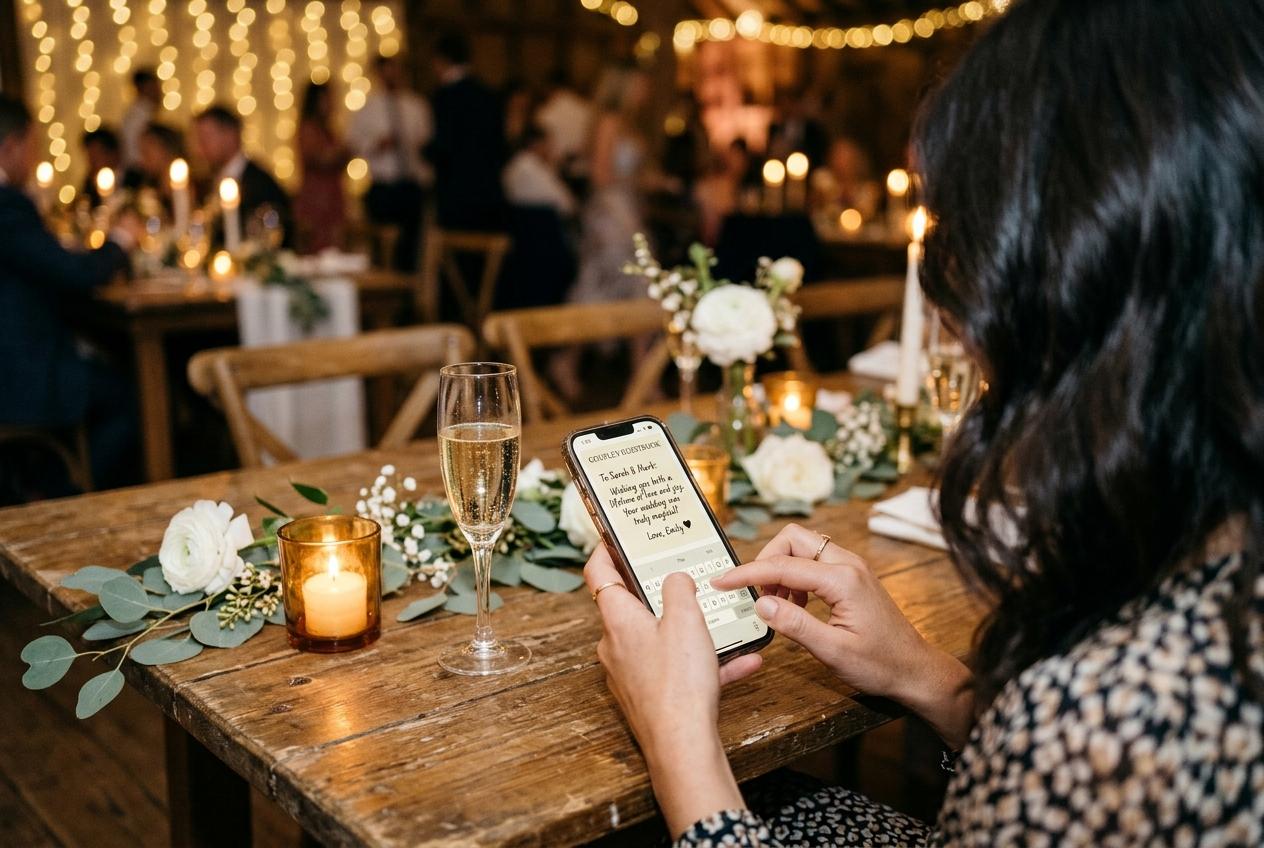
At half past eight on a Saturday, the screen behind the bar is showing a photograph somebody took at table nine twenty minutes earlier. Nobody chose it, nobody exported it, and nobody standing at a machine decided that this was the picture the room should see. That is the entire meaning of the word live here. A live event photo slideshow is a wall that keeps changing because the collection underneath it keeps filling, and once you have watched one work you can spot the alternative at a distance: a folder one guest assembled on a laptop in a car park.
What is live, and what is fixed before the day
Two parts of the arrangement move and two do not. The collection moves, because every submission a guest sends joins it, and the screen moves with it, since it plays whatever is currently there rather than a presentation someone saved on Tuesday. What does not move is the template, picked once before the event and left picked, and what does not move is the decision about whether a photograph reaches the wall the moment it arrives or waits for you first. Understanding that split is most of the planning. You are not programming a show. You are opening a window onto a pile of files that grows all evening, and then choosing who, if anybody, looks at each file before the room does.
- The guest address
- What the printed stand points at. A browser page, a file picker, one name field. A guest never sees the wall they are feeding, and nothing about sending costs them anything.
- The collection
- The single set of photographs your event produces. It belongs to the occasion rather than to a person's library, which is why the screen, the gallery and the download all draw from the same place.
- The queue
- Where submissions wait if you have asked to look first. It fills continuously, and everything you accept leaves it and becomes part of what the wall can play.
- The screen address
- A second, token-gated link that opens the same collection full-screen. It is the thing you hand to a venue, because it reaches the wall and nothing else.
Who holds the laptop, and what that job actually is
The host, until the room stops being a job
Open the address yourself, before you change, and then give it away. A host who is still operating a screen at nine o'clock has stopped hosting. The useful version of holding the laptop lasts about four minutes.
A venue technician or the coordinator
Correct, capable and uninterested in your photographs. They need one line of instruction and the address. A screen link reaches the wall without touching your login, which is what makes this handover possible at all.
The guest who volunteered
Usually a relative with opinions about how things should look. Give them a visible job rather than the machine: they stand near the screen, they know where the lead is, and they tell you if something appears that should not.
Nobody, which is the point of the design
A slideshow that plays a collection needs no operator once the tab is open. There is no playlist to advance and no file to load, because the photographs arrive on their own from the guests sitting around the room.
How a live screen behaves across one evening
Before the doors
A wall showing the frames you uploaded yourself
Empty collections look like a mistake, and a room that walks into a blank screen concludes that nobody bothered. Put four or five photographs in beforehand: the venue, the table setting, something from the planning. They cost nothing and make the wall look alive from the first guest onward.
The first hour
Arrival material, then a sudden flood
Photographs of the room, the outfits, the drinks, the garden. Then somebody at a table notices the stand, sends three, and their neighbour does the same. This is where a live screen earns its keep, because guests watch their own work appear on it, and a guest who has seen that happens twice more before the food arrives.
The long tail
Slower, better, and still arriving
Once the dancing starts the count climbs steeply and the frames get worse, then the room empties and the good ones come in from people sitting in taxis and hotel lobbies. The address keeps playing throughout, which is why a screen left running is worth watching on the Monday.
What changes when submissions wait for you
Turn approval on and the wall plays only the photographs you have accepted, which sounds like it would starve a screen and does not. Photographs keep arriving whether or not you are watching, so the queue is filling while you are in another room, and when you clear it from your phone between the starter and the main course everything you let through goes up at once. That is the difference between a live screen you can leave running and a live screen you have to stand over. It is also the version of moderation that people actually keep doing on their own event night: two passes of ninety seconds each, rather than a person sitting beside a laptop deciding frame by frame.
The queue belongs to the collection, not to the screen
Approval is a switch you set once, and the wall inherits whatever it says, so there is no second list of rules to maintain for the room display. Not every collection can gate what arrives, and the plan you chose decides that before the event rather than during it, so settle the question in the same week you choose the template.
What each plan includesWhen the wifi in the building dies
Do not wire the screen to the guest network
Forty guests holding up phones in a stone box with two bars of nothing is a normal view at a very good venue. The wall plays a collection that lives online, so the machine needs its own route out: a wired connection, a phone hotspot, or whatever the venue keeps for its staff. A laptop on the same failing network as the room drops the slideshow at exactly the moment everybody tries to upload.
Say the sentence anyway, and say it early
Make the request while people are seated and still holding phones. A guest whose upload stalls has not lost the photographs, and the address stays in the browser for when they have signal again.
Let the contribution happen afterwards
Uploads from a car, a hotel corridor or a kitchen table the next morning land in the same collection as the ones sent live, and the screen does not care when they arrived. That is the single most reassuring fact about the whole arrangement.
Judge the evening on Monday, not at midnight
A dead-signal room collects slowly on the night and quickly over the weekend. Leave the address open rather than concluding the screen produced nothing, and expect the best photographs of the event to arrive on Sunday with the ones from the people who drove home.

Choosing a template for a room that is still feeding itself
- A quiet room where nobody is looking at the wall
- Take the picture off the room and put it on the photograph. Cinematic Film and Editorial Magazine both give a single frame the whole screen, which is right when the collection is small and every file is one somebody meant to send.
- A crowded room where the screen is decoration
- You want movement rather than contemplation, and Dynamic Mosaic carries a large count of similar frames as one texture instead of as a loop of the same toast.
- An afternoon running into evening light
- Storybook Album suits daylight photographs and a warm room. Minimalist Motion is the brighter, harder layout, and it looks most natural once somebody has switched the lights down.
- A room that will photograph the screen itself
- Polaroid Memories is the layout guests point their own phones at, which is a useful signal. When the room starts sending pictures of the wall, the wall is working.
The ten minutes before you open the address
- Open the screen address and watch it for two minutes, so you know what the wall looks like from where the guests will be sitting.
- Set the browser to full screen, switch display sleep off, and leave the laptop plugged in rather than trusting a battery at a venue.
- Confirm which of your two links the venue has, and that it is the screen one rather than your login or the guest page.
- Decide the approval question in the same week you decided the template, and tell one other person what you chose.
- Check what else lives on that screen, because a venue welcome loop or a sign-in list can end up beside your photographs.
- Put a stand on every table and a second at the bar, then say the sentence out loud during the welcome.
- Work out how you will look at submissions during the event, on your own phone, in under two minutes.
The one failure worth rehearsing for is a black screen in the middle of a speech, which is nearly always a display timeout rather than anything to do with the collection.
What it costs to put the room on a screen
The live screen is not a separate product and it is not a subscription. It is included with Celebrate at $39 and Keepsake at $69, and it is a one-off add-on of $9 for a single event on Gather at $19. Guests pay nothing and see no price whichever way you chose, and nobody installs anything to feed the wall. What changes between those options is the size of the collection the screen can draw on: 200 photographs and 30 videos on Gather, 750 and 100 on Celebrate, 2,000 and 300 on Keepsake, and on the free plan, which holds 20 photographs for seven days, the screen is bought as that same one-off rather than included.
Two things people expect a live screen to do
The first is skip ahead. The wall plays the collection rather than a queue you drive, so the answer to a photograph nobody wanted is to accept fewer of them rather than to tap past one. The second is sound. Nothing in this arrangement is an audio system: what the room is listening to comes from the venue's own rig, which is what you want when forty people are talking over it anyway. What the screen does well is the thing people underestimate: it changes without anybody touching it, all evening, and it keeps changing after the event while the stragglers send their best frames from home.
A prepared slideshow ends when it starts. A live one is finished only when the collection closes.
Questions about running the screen live
How quickly does a guest photograph reach the wall?
The screen plays the collection, so a submission that has arrived is a submission the wall can show. Where you have asked to look at files first, add the time it takes you to accept one, which is the delay you chose deliberately.
Does approval slow the screen down?
It gates the wall rather than slowing it. Nothing plays until you accept it, the queue keeps filling while you are elsewhere, and two short passes across an evening keep the screen full.
Is the address I give the venue the same one guests upload to?
No, and that separation is the whole design. The wall plays from its own token-gated link, which reaches the display and no other part of your account, so a coordinator can open it without ever seeing a submission list.
What happens if the connection drops during the event?
The screen stops changing, because there is nothing new to play, and the photographs stay in the guests' phones. Uploads resume the moment anybody has signal again, and late contributions land in the same collection.
Which collections can put a screen in the room?
Celebrate and Keepsake carry the slideshow as part of what you bought, Gather takes it as a one-off add-on of $9 for a single event, and the free plan buys it the same way rather than having it included.
Does the wall need a particular machine?
Any browser is enough, so a laptop, a streaming box behind the television or the venue's own screen with a lead will all carry it. Test the room rather than the software the day before: viewing distance, whether a photograph of a face reads from the back table, and whether the display switches itself off after ten idle minutes.
Open the collection before the screen needs it
A wall that fills itself depends on the room knowing the address. Start the collection while you are still planning, print the stands, and settle now whether photographs wait for you before they reach the screen.
Slideshows and room displays
Put one link on the tables and let everyone contribute.
Create a collection, print the table stands, and the photographs your guests took are waiting for you the morning after. Guests never install anything and never make an account.