Screens and displays
A shared event memory slideshow, fed by the room instead of by you
A shared event memory slideshow is a wall that the guests build while the event happens. That changes what you can put on it, what order it plays in, and what you do with a pile where forty people photographed the same toast.
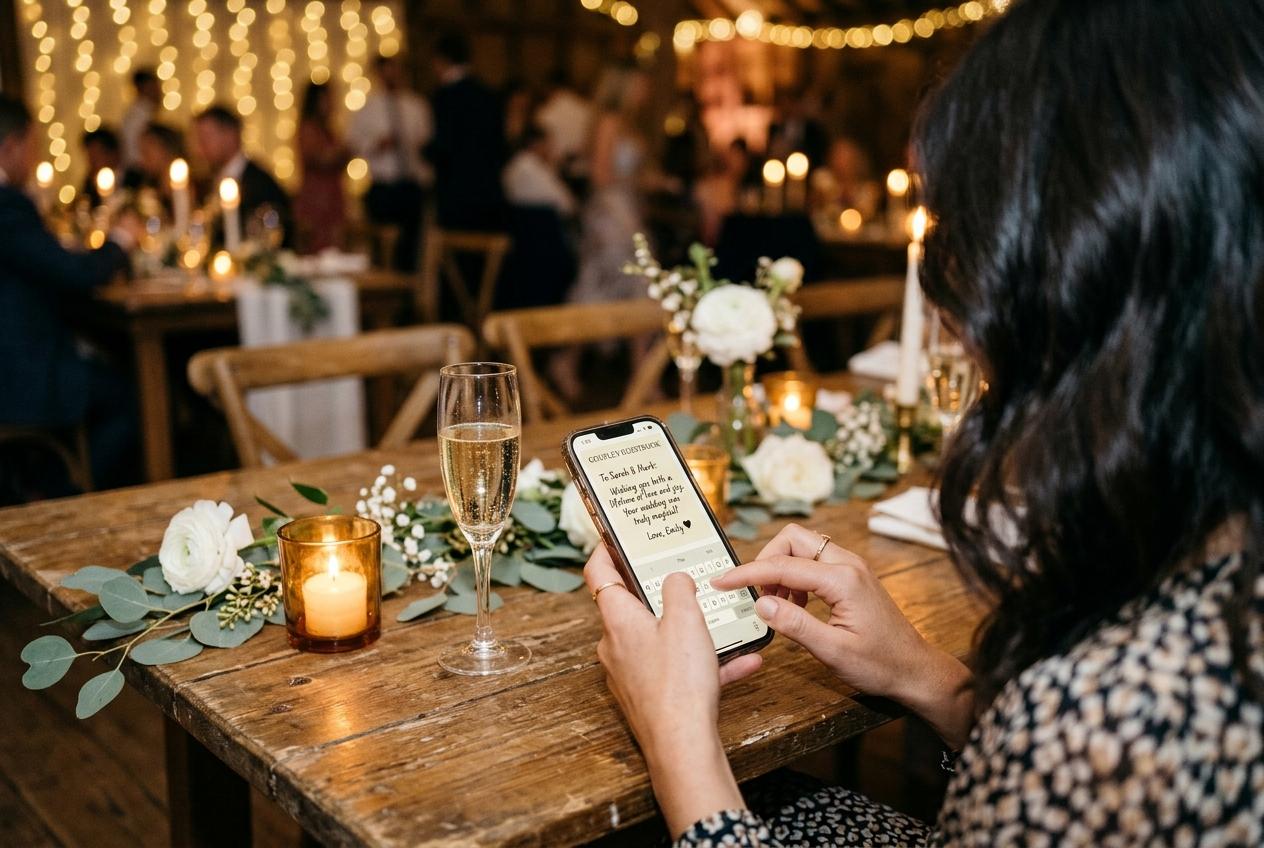
Almost every slideshow people have seen was built from one camera. A photographer, a set of frames, a duration, a music track somebody cut in an editor, and a file that is finished before the audience arrives. A shared event memory slideshow is the other kind of thing entirely, and the difference is not cosmetic. The material arrives while the room is watching, from devices held up at the back row, and the wall has to cope with a pile that is uneven, unsorted, partly duplicate, and impossible to plan in advance. Once you accept that, the interesting question stops being how to make a slideshow and becomes what to do with a screen that is being fed by the people standing in front of it.
What changes when the room is the photographer
One camera, one editor, finished before the doors open
- Every frame was chosen by one person who was looking for pictures
- The set is short, consistent in quality, and lit the way the venue actually looks
- It can be cut to length and to music, because the material is fixed
- Nobody in the audience appears in it by accident rather than by arrangement
- It tells you what the event looked like
Everyone's phones, assembled while the event runs
- Frames arrive as they were taken: from a seat, at an angle, one hand, no framing
- The pile keeps growing, so the wall at nine is a different wall from the one at four
- Some subjects appear twenty times, because twenty people saw the same thing happen
- The people in it are the audience, which is the entire reason anybody watches
- It tells you what the event felt like from the rows nobody was photographing
These are not competing products. A shared wall is not a substitute for a photographer and should never be sold to a room as one; it is the record of everything outside the photographer's sightline.
Six ways to use a wall the guests are filling
The arrival wall
On from the moment the doors open, with the address mentioned once in the welcome. Whatever the early arrivals send becomes the background to the room finding its seats, and it solves the hardest part of a shared pile, which is that nobody uploads to an empty page. Twenty minutes after you mention it, there is something to look at.
The wall as the announcement
Instead of telling people to check a group chat later, put the code on the stands, say it out loud, and let the screen be the proof that the thing is working. A room that can see its own photographs arriving sends a great deal more photographs than a room that has been promised a link.
A second screen in a quiet corner
At a large day, the main panel is watched by whoever is facing it while the room is loud. A smaller machine in a corridor or a back room, running the same address, becomes where the conversations happen. It costs a laptop and a shelf, and it is where the uncles end up.
The held frame
Somewhere in every event there is a photograph the whole room wants to look at: the person the day is actually about, a pair nobody expected to see together, a face from three hundred miles away. Pause on it. One key press holds a frame while people turn round in their chairs, and it is the closest a wall comes to being an event in itself.
The live feed at the end of the night
The last two hours produce the best material and the least audience, because half the room is dancing. Running the wall through that window means the people still seated get to watch the dance floor while they are on it, and it is the part of a shared collection that guests most often ask about afterwards.
The thing you hand over on Sunday
The play address keeps working while the collection is online, so the same wall runs in a living room a week later with nobody in it who was at the event having to explain where the photographs are. Take the download as well, because the link has an end date and the file does not.

How a growing pile behaves on a running screen
- New arrivals join at the end
- The wall works through the collection from the earliest frame forward, and what lands at eight o'clock is queued behind what landed at four. That means the best photographs of the night play near the end of the night, and it is why a wall switched on at nine looks different from one switched on at five.
- The order holds while the page stays open
- By default the frames are shuffled, and the shuffle is drawn once for that machine. A photograph arriving late cannot reshuffle the half the room has already watched, which matters more than it sounds: a wall that keeps reordering itself in front of an audience is unreadable.
- It updates without a reload
- There is a switch for exactly this, and it is on by default: a running screen picks up new contributions as they arrive and drops ones that have since been removed. Nobody stands up and presses F5, and removals reach the panel as quietly as arrivals do.
- Names can appear beside frames
- The wall can show the contributor under their photograph, and it does by default. On a shared wall this is the whole social mechanism: a person who sees their own name on the screen tells the two people next to them where the link is, which is worth more than any announcement you make yourself.
- An empty collection still has something to say
- A wall with nothing in it does not go black. It shows the event name and one line explaining that photographs will appear as guests share them. Knowing that sentence exists saves you from concluding, at twenty past three, that the whole thing has failed.
What to say out loud so the pile fills
At the welcome, say what the screen is for
One sentence, tied to the room rather than to the technology: there is a link on the stands, and everything sent goes up on that screen tonight. Do not describe the upload flow in front of two hundred people; describe the reward.
Midway, say what is missing
The second pass is where a shared wall is won, and it works because it names the gap rather than repeating the instruction. Nobody has sent from the garden. Nobody has sent the tables before the food came. Whatever is thin, say that, and the room photographs it.
Before the last dance, name the deadline
The address keeps working after the event, and most of the best frames arrive after it, but a room in motion needs a reason to raise a phone now. This is where the closing date belongs, and it belongs in the sentence rather than in a follow-up email.
A slideshow you build shows a room what happened. A slideshow the room builds shows it itself.
The awkward arithmetic of a pile everybody feeds
Forty people with phones produce thirty versions of the same three moments, and a single-frame layout will play each of them one after another at six seconds a time. That is the honest failure mode of a shared wall, and it is worth solving in the layout rather than apologising for it afterwards. A composition that sets several frames at once is built for exactly this material: repetition stops reading as an error when the wall looks like a wall. The other half of the arithmetic is the photographs that should not have entered the pile at all, and the choice in front of you is whether to look at submissions before they appear or to let everything in and be able to take one back out. The first is calmer in a room with strangers in it. The second is what most hosts actually pick, because nothing arrives late and nobody waits.
Ideas that sound good and do not survive a room
- Asking guests to send their photographs to your phone first and then forwarding them. It puts you in the middle of every upload and guarantees that the pile stops at twenty while the event carries on without you.
- Aiming to have the wall finished in advance. A shared wall is not finished; that is the point. Plan what it will look like at three hours in rather than what it will look like complete.
- Naming every contributor in a caption you write yourself. The name the wall shows is the one the guest typed, which is sometimes wrong, sometimes a nickname, and occasionally a joke. Correcting them is a dashboard job you will not do at nine o'clock.
- Treating the screen as the archive. The wall is the presentation; the download is the thing that survives. A collection stays online for the period the plan states, counted from the event date, and then it comes down whatever the wall was doing.
Who else should hold the address
A shared wall stops being shared the moment only one person can feed it. Two addresses need to be in more than one pair of hands, and they are different addresses doing different jobs: the page the guests open, and the link the screen plays. Give both to a second person before the event, because the most common actual failure is not technical. It is the host being on a dance floor, at a table with relatives, or driving home, while somebody at the bar asks which link goes on the television.
- The play address as text, plus the same address in your own mail so a dead phone is not fatal.
- The guest upload address, kept clearly separate, because the two look alike in a message thread.
- The keys that work on the machine: full screen, forward and back, pause, mute.
- One line about the panel's own remote: the input is set and it is not being touched.
- The name of the person who decides whether arriving photographs go straight up or are looked at first.
- A note of the date the collection closes, so nobody assumes the wall will be there in the spring.
Neither address is listed anywhere or indexed, which is what lets you forward them to a cousin without thinking about who the cousin works for.
The questions that come from people who are not hosting
Do the guests need an account to put something on the wall?
No. They open the link or scan the code, pick files on their own phone, give a name once, and are not asked again for twelve hours. There is nothing to install and no price is ever shown to a contributor.
How many photographs can one wall play?
As many as the collection underneath it holds, which is set by the plan behind the event: 200 photographs on Gather, 750 on Celebrate, 2,000 on Keepsake, with more available as a one-off for a collection that keeps filling. The screen itself has no ceiling of its own.
Can filmed clips go on the same wall?
Yes, and they play among the photographs by default. There is a length limit you can set for the room, a switch to leave clips out altogether, and sound is off unless you turn it on for that collection.
Is this the same thing as a slideshow video file?
No, and the difference is the whole point. A video file is cut before the event and plays the same thing every time. A shared wall plays a collection that is still changing, so the same link at nine shows a different evening from the one it showed at five.
What if the room hates it?
You can stop it at any moment by closing the page on the machine, which affects nothing else, and there is no published version of the wall anywhere for people to find afterwards. Whatever the screen showed is not where the collection lives.
Can we use it for something that is not a party?
It is the same wall with a different occasion named at creation. A conference gets a neutral opening line rather than a celebratory one, a graduation gets the graduate's name and the date, and an occasion with no name on the list takes the one you type.
Pick two of the six and let the room do the rest
An arrival wall, one held frame, and a sentence said out loud at the halfway point is a shared event memory slideshow that works. The pile takes care of itself once people can see what they are contributing to.
Slideshows and room displays
Put one link on the tables and let everyone contribute.
Create a collection, print the table stands, and the photographs your guests took are waiting for you the morning after. Guests never install anything and never make an account.