Wedding galleries
Wedding QR code gallery: connect every guest to one shared photo collection
A wedding QR code gallery combines a physical prompt at the venue with a digital collection that holds everything guests contribute. Display the code at every table, and by the end of the reception the gallery holds the day from every angle in the room.
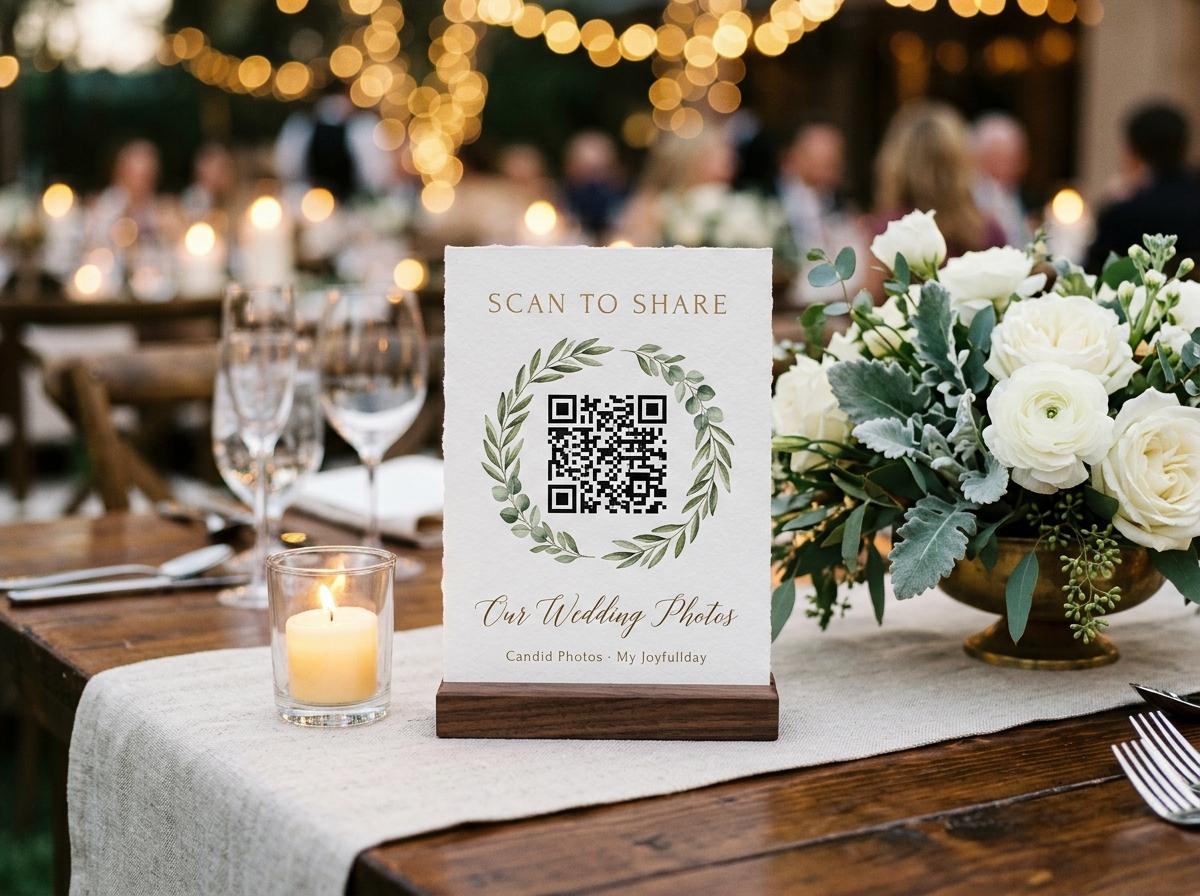
A wedding gallery built from guest contributions looks different from a professional photography collection. It is less polished and more complete. It has the ceremony from the angle of the second row, the speeches from behind the top table, the first dance from the edge of the floor where the lights were better, and the garden group photograph that the photographer was setting up at the same time the spontaneous one was taken. Those photographs are on guest phones, and a QR code gallery is how they find their way out.
What a QR code gallery includes
- Guest photographs
- Every photo submitted through the QR code upload page appears in the gallery. Files are stored in original quality.
- Guest video clips
- Video clips from the ceremony, speeches, and reception sit alongside the photographs in the same collection.
- Contributor names
- Each submission is labelled with the name the guest provided. The couple can see who took each photograph.
- Downloadable archive
- The full gallery — every photo and video submitted — can be downloaded as an archive at any point. Files are in original quality.
Setting up the gallery before the wedding
Create the event gallery in Candid Photos
Name the event, set the date, and choose a plan. The gallery and its QR code are available immediately.
Share the link in pre-wedding communication
Include the upload link in the digital save-the-date, the wedding website, or the information card in the invitation. Guests who see it in advance are primed to use it on the day.
Have the QR code printed with your table stationery
Download the QR code from the event page and provide it to your stationer. It can appear on table menus, name cards, or a dedicated small stand. Many stationers now include this as a standard option.
Brief your planner or coordinator
If you have a day-of coordinator, let them know about the gallery so they can ensure the codes are on the tables before guests sit down and can mention it at any appropriate moment.
During the reception: how contributions build
Throughout the reception, guests contribute at the moments that suit them. Some upload during the seated dinner, when the conversation pauses and they reach for their phone. Others upload during the gaps between events — after the speeches, before the first dance. A few upload the following morning after the event is over but while they are still thinking about it.
By the time the couple returns from their honeymoon or first night away, the gallery has typically received the majority of its contributions. The download is waiting.
After the wedding: browsing and downloading
The gallery is accessible to the couple as soon as it is created. They can browse at any point and download at any time. When the event closes, the download contains the full collection in original quality. Photos saved to the gallery are not resized or recompressed by the platform.
Questions about wedding QR code galleries
Do guests need to create an account to contribute to the gallery?
No. Guests open the link or scan the code, type a name, select photos, and submit. No account is required.
Can guests contribute after the wedding day?
Yes. The gallery stays open for the duration specified by the plan. Photos continue to arrive for days after most weddings, particularly from guests who prefer to review their camera roll before uploading.
Can the couple share the gallery with family who were not at the wedding?
Yes. A view-only gallery link can be shared with anyone the couple chooses. This link is different from the upload link and does not allow new contributions.
What is the difference between the upload link and the gallery link?
The upload link opens the page where guests contribute photos. The gallery link opens a view of the collected photos without allowing uploads. The couple can share the gallery link broadly after the event.
Create your wedding QR code gallery
Set up the gallery, have the code printed with your stationery, and collect every angle of your day.
Wedding photo sharing
Put one link on the tables and let everyone contribute.
Create a collection, print the table stands, and the photographs your guests took are waiting for you the morning after. Guests never install anything and never make an account.