WhatsApp and event photos
Share your event photo collection through WhatsApp
WhatsApp is where most event communication already lives. Sharing your Candid Photos upload link through WhatsApp means guests receive it in the channel they are already using — no separate invitation platform, no group they were not in.
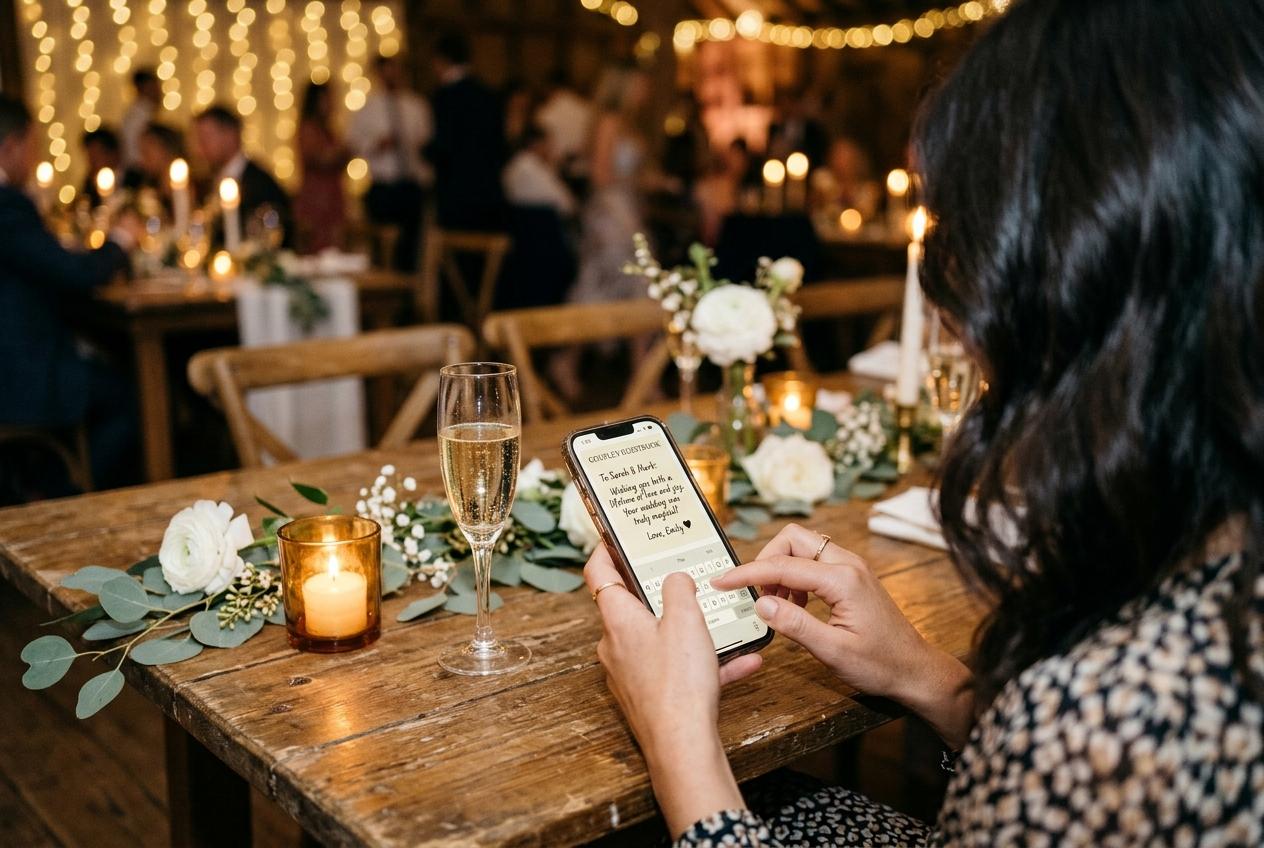
Event communication has migrated to WhatsApp for most people. The guest list, the RSVP chase, the morning-of reminder, the shared directions — all of it arrives in a WhatsApp group. Sharing a photo upload link in the same channel puts it where guests will actually see it, alongside the information they were already reading.
The alternative — a link in an email, a separate platform, a third app — requires guests to look in a place they may not think to look. A message in the event WhatsApp group reaches people in their primary communication stream. That difference in reach translates directly into more photo contributions.
Why WhatsApp is a good channel for sharing an upload link
It is already where the conversation is
If guests are in a WhatsApp group for the event, they are already checking it. A link shared in the group is seen in context, alongside other event information, not in isolation.
Links open in an external browser
When a WhatsApp user taps a link, it opens in a browser. The Candid Photos upload page opens the same way. There is no technical barrier between tapping the link in WhatsApp and arriving at the upload page.
The timing is controllable
The host can send the link at the moment it is most likely to prompt action: in the message the morning before the event, in a message during the event, or in the thank-you message the day after.
It is personal
A WhatsApp message from the host — even to a group — carries the social weight of a direct communication. It is a request from someone the guest knows, not a notification from a platform.
When to send the upload link through WhatsApp
One to three days before the event
In the event group
A short message sharing the upload link before the event sets an expectation. 'Here is where we are collecting photos from Saturday — feel free to upload on the day or after.' Guests who see this arrive primed to contribute.
During the event
As a mid-event reminder
If the event has a quieter moment — after the main meal, during a break in the programme — a message to the group with the link reaches guests at a moment when they may be on their phones and thinking about their photos.
The day after the event
In the thank-you message
Including the upload link in a post-event thank-you message gives guests who forgot on the day a final comfortable opportunity to contribute. This is often when the most thoughtful photos arrive — guests who have had time to review their camera roll and select their best.
WhatsApp photo sharing vs a Candid Photos upload link: a comparison
Sending photos directly through WhatsApp
- Photos are compressed when sent through WhatsApp.
- Photos go to one recipient — the host — not a shared gallery.
- No consistent labelling of who sent what.
- Photos are mixed into the host's WhatsApp media, not in a dedicated archive.
- Downloading requires finding and saving each image individually.
- Groups have message limits that can bury photos over time.
Sharing an upload link through WhatsApp
- Photos are uploaded in original quality through the linked page.
- Photos go into one shared gallery, not a single inbox.
- Each submission is labelled with the contributor's name.
- Photos are in a dedicated event archive separate from messaging.
- The full collection downloads as a single archive.
- The gallery stays accessible regardless of chat activity.
What guests do after they tap the link
Tapping the link in WhatsApp opens the Candid Photos upload page in a browser. From there, the guest enters a name, selects photos or videos from their camera roll, and submits. The process is the same regardless of how the guest received the link — the channel is different, the destination is the same.
Questions about sharing event photo links through WhatsApp
Does sharing a Candid Photos link through WhatsApp affect photo quality?
No. Sharing the link does not affect photo quality. The photos are uploaded directly through the Candid Photos upload page, not through WhatsApp. Only photos sent as WhatsApp attachments are compressed.
Can I share the link in a WhatsApp group and also send it individually?
Yes. The link works wherever it is shared. You can send it to the event group, to individual guests who you know are likely to have good photos, and in any other message thread.
What if some guests are not in the WhatsApp group?
The link can also be shared through any other channel — email, text message, another messaging platform. The upload page is the same regardless of how the guest received the link.
Can guests upload directly from WhatsApp without using a browser?
No. Tapping the link opens the upload page in a browser. This is how any external link works in WhatsApp. The browser step is unavoidable, but it takes under a second.
Share your event collection link through WhatsApp
Create the event, copy the link, and drop it in your event group. Guests open it in a browser and upload in under a minute.
QR code photo sharing
Put one link on the tables and let everyone contribute.
Create a collection, print the table stands, and the photographs your guests took are waiting for you the morning after. Guests never install anything and never make an account.