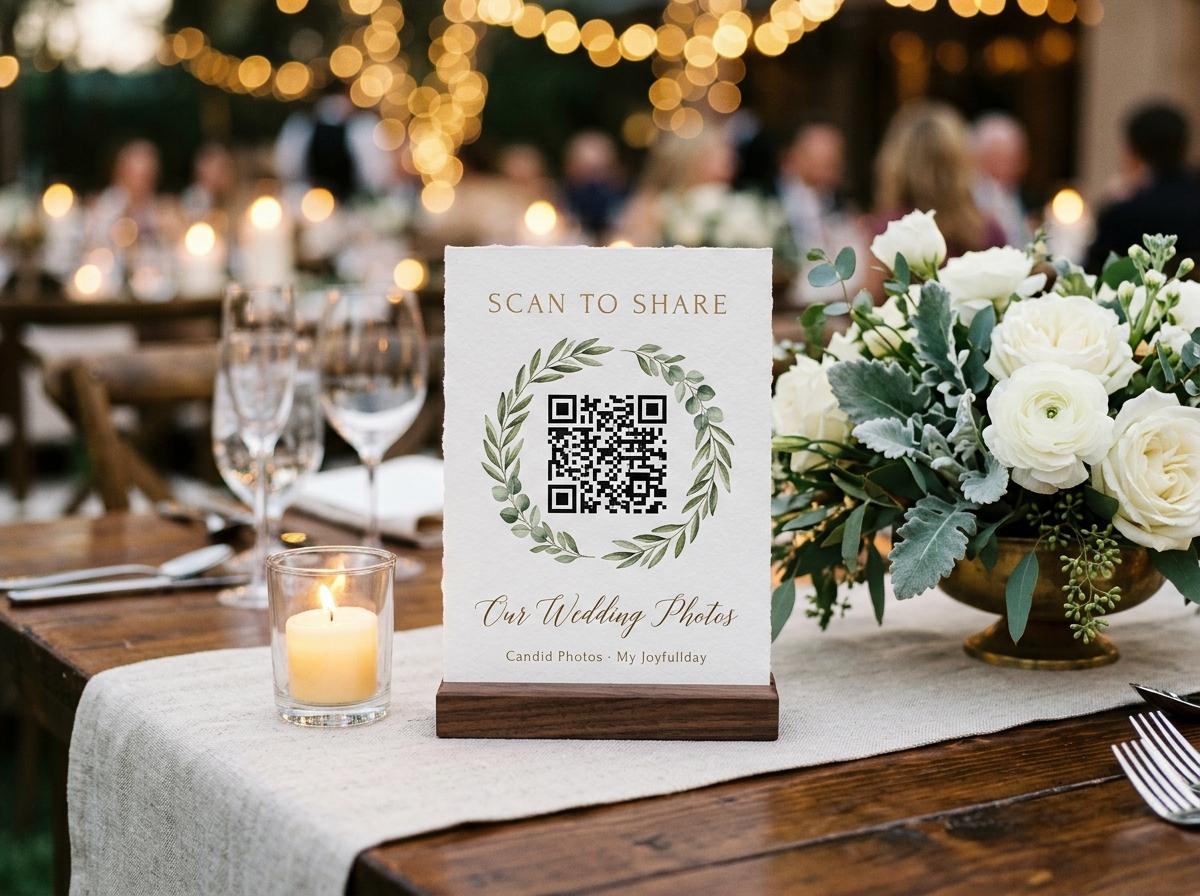
How the scan works
Event QR code photo upload, from the square to the stored file
Point a camera at a printed square and a photograph arrives in somebody else's gallery before the drinks come round. Here is every link in that chain: what the square holds, what the guest sees when the page opens, and what becomes of the file after she presses send.
A guest points a camera at a square of paper and a photograph ends up in somebody else's gallery. What happens in between is treated like magic by people who have never built the journey, and it is worth understanding, because almost every upload that fails is one of those three links breaking. The chain is short. The code is a picture of an address. The address opens a page. The page takes a file and puts it where the host can see it, keep it, and download it later.
What the square is a picture of
A QR code is not a copy of your gallery, not a login, and not a small program. It is an encoded reading of a web address: the same short address every collection already has, rendered as dots. When a camera locks onto it the phone resolves that address and hands it to the browser the device would have used anyway, which is why printing the code beside the plain written address gives a guest two routes to one page. The square is only as correct as the address inside it, and that address has to be the live one for this collection, because nothing else in the chain knows what your event is.
- The code
- A printed rendering of one web address. It does not expire, does not change, and does not know anything about your event. Reprinting the same sheet a month later produces cards that open exactly the same page, which is why a spare sheet costs nothing and is worth having.
- The address
- The collection's own short web address, unlisted and not registered anywhere. It is created when the collection is created, and it is the only door into the page. Anyone who can read it can open it, so the paper goes where your guests are and nowhere else.
- The browser
- Whatever app the phone already uses to open links. There is no scanning tool to install and no reader to set up; the camera that photographs people is the camera that reads the square, and the page loads in the window that loads a web page.
- The file
- The image or clip your guest selected on her own device. It is stored as it arrived rather than squeezed down on the way in, and the copy that lands in the collection is the one you eventually download.
The moment the camera locks on
The camera is raised
Nobody has decided to contribute yet. A guest at a table points her phone at the card the way she would at a restaurant menu or a board pass, which is why a stand has to be readable at arm's length and upright rather than lying flat under a napkin.
The phone decodes the address
The pattern is read and turned back into text. This is the step people fear and never think about afterwards, and it either resolves or it does not; a code made for a different collection resolves perfectly happily at the wrong page.
A prompt offers to open it
Depending on the phone, a banner appears at the top of the camera view and the guest taps it. This is the one remaining tap between a card and a page, and it is the reason the card has to be where a guest is already holding a phone rather than in a hallway nobody stands in.
The browser loads the guest page
The page belonging to your collection opens, with the occasion named at the top, the hosts' names and the date beneath it, and the welcome line you wrote. A guest deciding whether to bother is deciding in this second, and she is reading your sentence, not a generic instruction.
The page asks for one thing
A name, and then files. Nothing else. There is no registration, no confirmation email, no password to invent at a table with a pudding in front of you, and no price shown to anybody who is not the host.
The page a guest lands on, from the top down
What the guest sees is deliberately small, because every extra element on that page is another reason to put the phone back down. The header identifies the occasion so nobody wonders whether they scanned the right card. Beneath it is the line you wrote, which is the only persuasive sentence in the whole journey. Then the picker, the name field, and the button. Everything the host has configured, from the gallery switch to the setting that holds submissions for review, is expressed on this page as a difference in what happens after the send rather than as extra furniture on the screen.
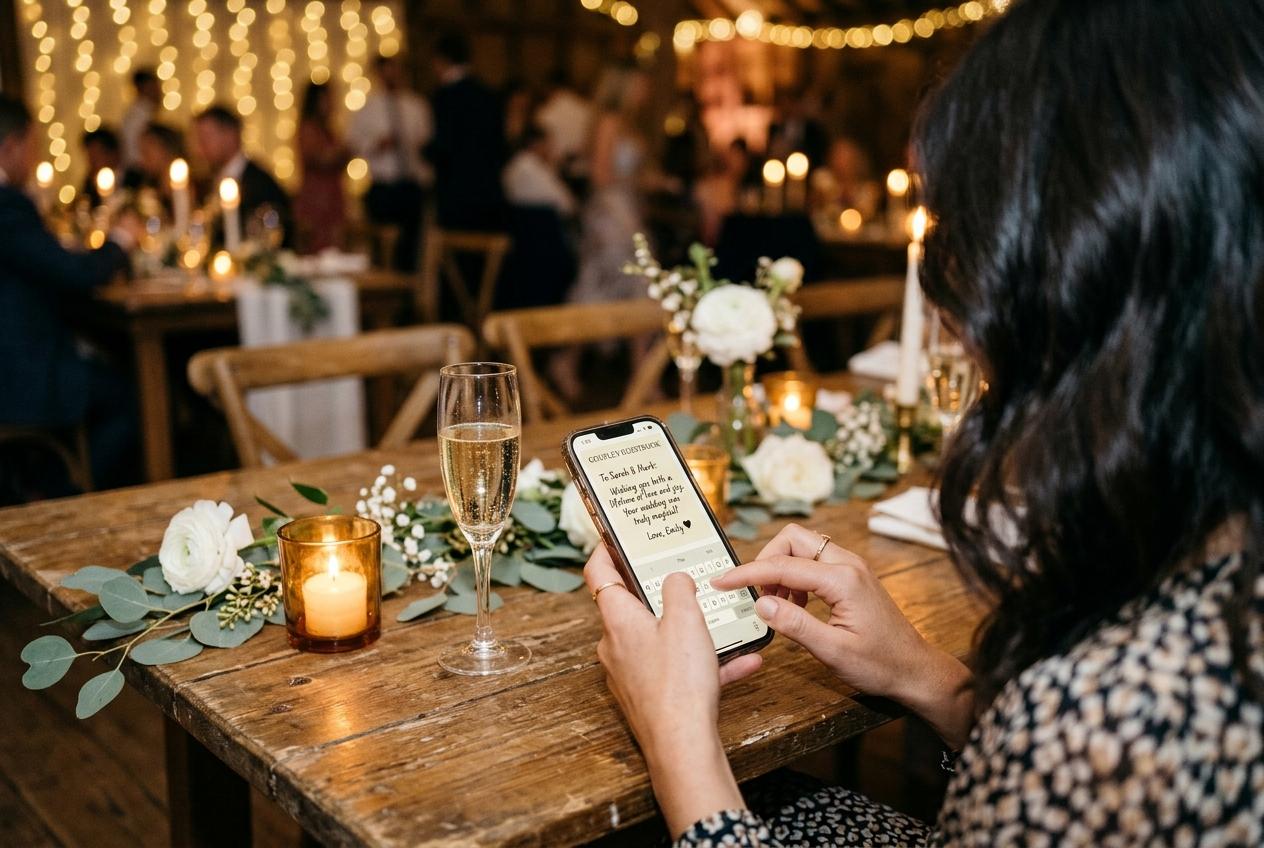
The occasion line
Names, date, and what the collection is for. This is what tells a guest that the square she photographed belongs to a person's event rather than to a service she is being sold, and it is worth spending two minutes writing.
The picker
Opens the guest's own photo library in the browser she was already using. Photographs and video clips go in the same submission, so the speech somebody filmed horizontally at the edge of a table travels with the stills of it rather than needing a separate journey.
The name field
One line of text, which is the only thing a guest volunteers. It is not decoration: attribution is what turns a pile of anonymous frames into a set you can go back to somebody about in March.
The send
A single button, then a short confirmation that the files arrived. A guest who sees confirmation uploads again; a guest who sees nothing but a closed page assumes it failed and does not try twice.
What the guest never has to do
What people expect
- Downloading an app before they can send anything.
- Creating an account and confirming an email address.
- Inventing a password at a dinner table.
- Choosing which photographs are good enough to send.
- Paying, or seeing a price attached to a page.
What actually happens
- Nothing to install; the camera and the browser are the whole requirement.
- No account and no email confirmation at any level of service.
- No password, ever, for anybody who is only contributing.
- A picker that takes whatever the guest selects, including a messy set.
- No cost to a guest, and no pricing shown on the page.
Every one of the expectations on the left is a reason a collection stays empty. The design of the guest page is a list of things that were removed, and the removals are the reason a scan takes twenty seconds rather than four minutes.
From a chosen file to a stored file
A small copy is drawn on the phone
The thumbnail that appears in the gallery grid is produced in the guest's own browser, which is why a collection of large photographs does not crawl. The heavy file is not being resized by anybody's server to make the page quick.
The original travels as it was
The image or clip your guest selected is stored as it arrived on her device. This is the difference between your collection and a chat app, which squeezes a photograph twice before it lands and gives you something smaller than the thing that was taken.
The submission is attached to a name
The files arrive labelled with the name the guest gave, in the same submission, with the photographs and the clips together rather than in two separate arrivals.
It either shows or it waits
If the review switch is off, the submission enters the gallery straight away and joins the room display if one is running. If it is on, the submission sits with you until you accept it, and a file you turn down is left out of the archive at the end.
The collection keeps filling
Each arrival is a file with a contributor and a timestamp in one place that the host owns, and the count on the plan decides how many photographs and clips the collection can hold, and how long it stays online from the event date.
Twelve hours, and the second submission
The name a guest types is remembered by the page for twelve hours. That single behaviour is responsible for more repeat uploads than any wording you could choose, because the second round of photographs an hour later is a picker and a button rather than a form again. In practice it produces a recognisable pattern: a guest scans after the main course and sends four frames, watches them appear on the screen by the band, and sends eleven more from the dance floor before leaving. Nobody has to remember an address, reopen a message, or explain to herself what the page was for. The same twelve hours lets a guest who finds three better frames in a hotel room send them the next morning without starting over, which is why putting the address in a message as well as printing the card costs thirty seconds and returns photographs.
Three checks before you print
- Confirm the code encodes the live address for this collection, not a screenshot from last year's event or a page created before the collection settled.
- Scan the printed proof yourself and read the page as a guest would, including the date, the hosts' names and your welcome line.
- Decide the two switches before the first card leaves the table: whether submissions wait for you, and whether the guest page also shows the gallery or only takes files.
- Print one spare sheet, because cards get spilled on, borrowed for a photograph and packed away facing the wrong way.
A code does not go out of date. The only wrong code is one made for a different collection, or printed before the address existed, or copied from something old.
Upload only, or upload and gallery
The guest page has a setting of its own. With the gallery left on, the page a code opens both takes files and shows the collection, so a guest can see what other people have sent. With it switched off, the same address becomes upload only: the guest contributes and sees nothing but her own picker, and the gallery stays on the host's side. Hosts choose the second version for ordinary reasons, such as a retirement lunch about a person who might see it early, or a family gathering where somebody's frames are not ready for the room. The trade is that an upload-only page loses its own best prompt, which is a guest watching her picture appear and telling the person next to her. Where the display is running, the wall replaces that feedback and the page can stay quiet.
When a code will not carry the room
A printed square removes a step. It does not create a reason, and a page that nobody has been told about will sit unscanned in a room full of people who were busy. Three ordinary conditions defeat a code, and each has an ordinary fix. The announcement was made once, in a speech nobody heard over the plates being cleared: say the line again while people are still seated and looking up. The card faces a wall: fold it toward the guests and check the small print from a chair. The welcome reads like a form: write a sentence that sounds like the person hosting, because the page is judged in four seconds by somebody who has never seen it. None of this is a fault in the mechanism. It is the difference between putting a door somewhere and telling people it exists.
The scan is never the hard part. The hard part is that a guest has to want what is on the other side of it.
Answered in the order the chain runs
What does the guest get asked for when she scans?
A name and some files, in that order, in a browser page that already knows which collection it belongs to. Nothing is installed, no account is created and no password is invented, and the same rules hold whoever the host is and what the collection costs.
Does the QR code store the photographs?
No. The square holds a web address and nothing else. The photographs live in the collection at that address, and the code is only a printed shortcut to it, which is why reprinting a card is always safe and copying an old one is not.
What happens to the quality of a photo a guest sends?
Nothing reduces it. The file is stored exactly as the guest selected it, and only the small grid preview is produced on her own device so the page stays quick. When the host downloads, the original is what comes back.
What if the venue has no signal?
The page opens and the files are chosen either way; the send happens when the phone next finds a bar, which can be an hour later from a car park. Printing the address as well as the code means a guest hunting for signal is not also hunting for the link.
Is the page the code opens public?
It is unlisted rather than public. The address is not registered in any directory and guest pages are kept out of search indexes, so the only way in is a card or a link the host handed to somebody deliberately.
How long does an uploaded photo stay available?
For as long as the collection does, which every plan states in months from the event date, with warning mail before anything is removed. Once the collection comes down, the archive the host downloaded is the copy that survives, so take it early.
Open the chain yourself
Create a collection, print one sheet on your own printer, and scan the card from across the room to watch the whole route run. Then invite a guest to do it in twenty seconds and see how much of your afternoon you were about to lose.
QR code photo sharing
Put one link on the tables and let everyone contribute.
Create a collection, print the table stands, and the photographs your guests took are waiting for you the morning after. Guests never install anything and never make an account.