The honest answer about apps
An Event Photo Collection App Is the Part Nobody Installs
Someone searching for an event photo collection app wants photographs off other people's phones, not another icon on their home screen. There is no app to install here, on any device, and that absence is the reason a room full of guests ever sends anything at all.
Conferences, corporate days, schools, churches, sport and community.
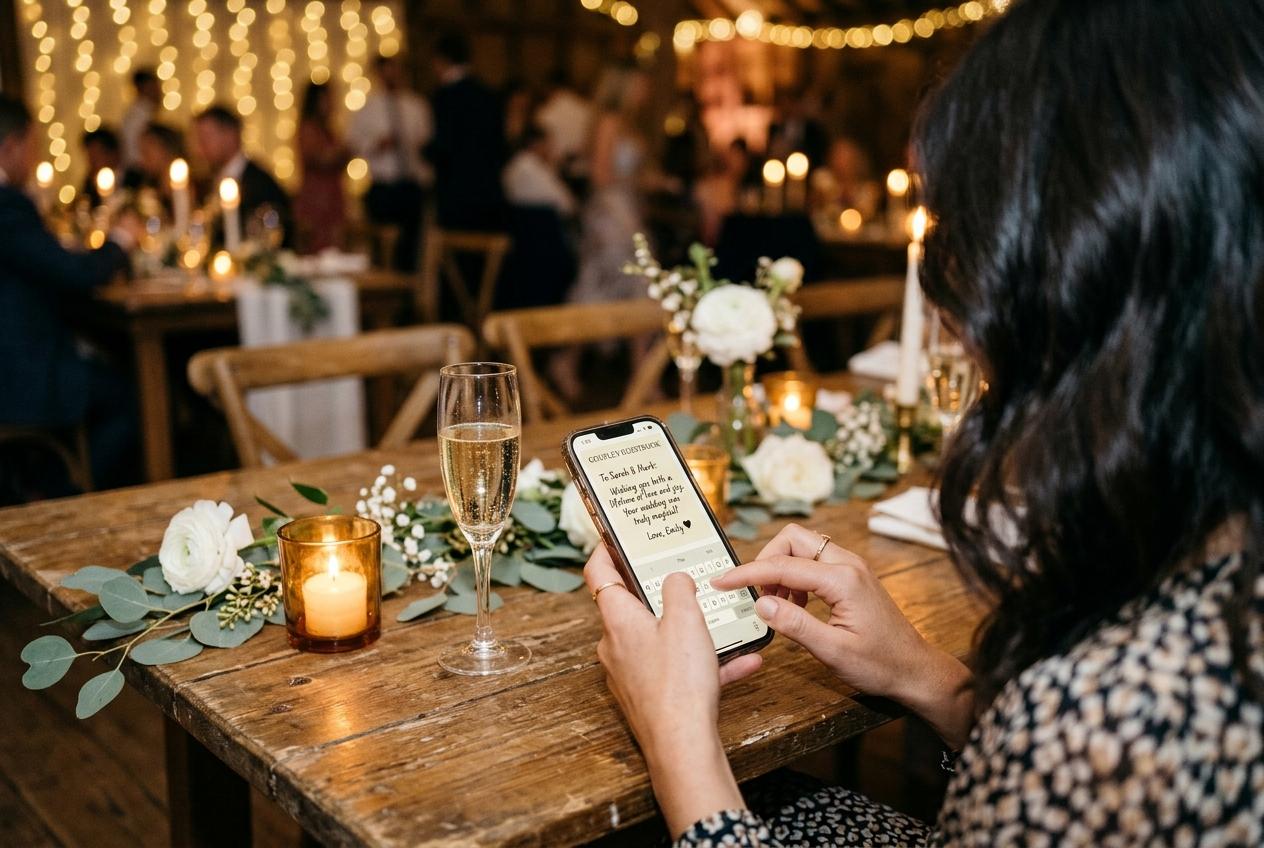
This is the page where an app query gets a straight answer, so here it is first: there is no iOS app and no Android app, and no guest of yours will ever be asked to obtain one. What exists is a web address that opens a page in the browser already on every phone in the room. If you were hoping to hand out an installer, this is the wrong product. If you were hoping that eighty guests would actually manage to send you something, it is the only shape that has ever worked.
What the word app is standing in for
Strip the query down and a person typing it is asking for four outcomes, none of which needs software.
A place that receives pictures
Somewhere with a name attached to each submission, so the photographs stop being a pile of attachments in three different apps.
A way in that a stranger can find
A guest should not need help. The instruction has to be one gesture, and the page has to open on the phone they are already holding.
A view of what has arrived
A grid you can look at during the evening and see the room filling, because a visible collection is the strongest prompt there is.
A copy you can keep
One download at the end, holding the files rather than previews, so the day survives the collection itself.
Four outcomes, and none of them is a reason to make your aunt search for a store, wait on a download, create a login and accept terms and conditions before she can hand you the photograph of the cake she already took.
Why an installed app loses to a page
If it were software to install
- Every guest spends three minutes on a store, a download and an update
- An account and a password are created for an event that lasts one evening
- The older half of the room asks for help, and half of them decline it
- Nobody who arrives late or leaves early ever gets as far as the app
- The app is deleted within a week, and the photographs with it
A page in the browser they already use
- One point of the camera and the sending form is open
- A first name, typed once, remembered for twelve hours
- Nothing to install, nothing to sign, nothing to pay, at every plan
- The guest who left early can send from a train, from the same address
- The photographs live in your collection, not on their handset
The friction an app adds is not spread evenly. It lands hardest on the people with the least confidence and the oldest phones, which is exactly the group whose photographs you wanted most.
The reason this is the feature, not the compromise
A guest is being asked to do one small favor during an evening they came to enjoy. Software asks them to change their phone for that favor. A page asks them to press a button. That gap is most of the difference between a collection with forty submissions and a collection with four, all of them from the same enthusiastic table.
There is a second, quieter advantage. A browser page is the same on a five-year-old handset, a tablet, a borrowed phone and the laptop by the door. Nothing has to be updated before your event, nobody is running an older version with a different layout, and the printed code you tested this afternoon opens the same page for every single guest. Software cannot promise that on a Saturday night.
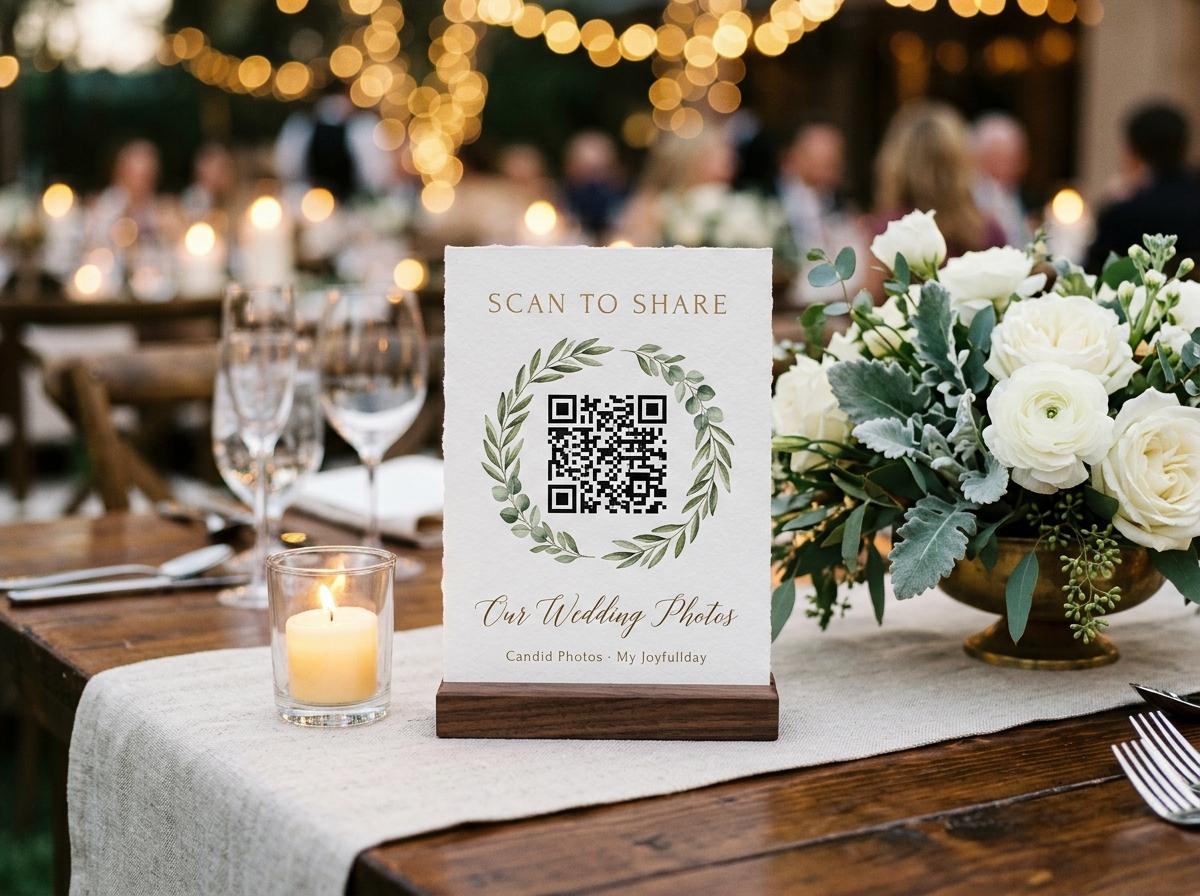
Running a collection with no app anywhere
Open the collection from a browser
The occasion, the names, the date. It can be open for weeks while you plan, and the address it generates works from that moment.
Print the sheet
Four table stands on one A4 sheet, from an ordinary printer, alongside the short address for anybody who would rather type. No ordering, no delivery to wait for.
Set the three switches
Whether guests can browse what has arrived, whether each submission waits for you before it appears, and whether written messages can come in on the same page.
Put the code where the phones already are
Tables, welcome board, bar, the screen that is running. One spoken mention while people are seated, and then leave it alone.
Watch it fill on any screen
A phone or a laptop, either hand. This is the part people expect to need software for and never do.
Download before it comes down
One streamed archive of everything accepted, or individual files. Set a reminder against the closing date stated on the plan you bought.
- Scan the printed code on a phone that is not yours, from the back of the room
- Confirm the page opens in the plain browser, with no store prompt anywhere on it
- Send one test photograph and check the name appears against it
- Send a second submission and confirm nothing asks the guest to start again
- Check the collection's photo and clip ceilings against how many people will be shooting
If the network in the building is poor, test it at the hour the event runs rather than at lunchtime on the day before.
What the host gets that an app would have charged for
- The sending page
- One address, one form, photographs and clips in the same submission. Nothing here depends on the guest's device type.
- The gallery
- A grid that fills during the evening, on a phone or a laptop, with the option to hide it and leave the page as receiving only.
- The room screen
- The slideshow runs at its own separate address, opened with a code rather than found by guessing, on the venue's screen or projector. Twelve looks ship with it.
- The archive
- Everything you accepted, as one streamed download, in the quality your plan includes. Rejected submissions are left out.
The ninety seconds, minute by minute
This is the whole of what a guest of yours has to do. Written out, it looks longer than it feels at a table.
The camera opens
Not an app store, not a browser search bar. The camera app already on the phone reads the code, and the sending page appears in the browser the guest already uses.
A first name goes in
One field, typed once, remembered for twelve hours. This is the only personal detail the page wants, and it is what lets you find the person whose photographs you liked.
The picker opens on their own camera roll
The guest chooses whatever they took. Frames from the ceremony, the lunch, the rehearsal, the taxi home. There is no requirement that a picture was shot at your event, only that somebody wants you to have it.
Clips go in beside the stills
Video travels through the same submission as photographs, and the file stays the size the phone made it rather than the crushed version a messaging app would pass on.
Send, and back to the conversation
Nothing else follows. No confirmation email to a guest, no account to verify, no prompt to share the event with anybody. The guest puts the phone down and the photographs keep going.
Read it from the other side and the design choice becomes obvious. Every step above is something a person is already doing during an evening, with a phone they already own, in a browser they already trust. An installed program would have to add three steps before the first one, and it is those three that decide whether your aunt sends anything.
What a browser page will not do for you
- It cannot run offline. A guest needs a connection at the moment of sending, so a poor venue network means photographs arrive later rather than never.
- It cannot sync two camera rolls in the background, because nothing is running on the phone once the page is closed.
- It cannot offer a camera mode of its own. A guest sends the frames they already took, not a picture your software asked them to take.
- It cannot live permanently in a guest's pocket, which is why the address in an email is worth as much as the code on a table.
- It cannot be a general photo-management program for your guests. It is one page doing one job for one event, and then it is finished.
None of these limitations costs a host their collection. All of them are the price of the property that makes the collection work: a page that opens for eighty people you did not train, on eighty phones you did not choose, in a room where nobody wants to be doing this.
Two habits the whole design leans on
A camera that reads a code without being told to
Pointing a camera at a shape on a table is now a reflex across most of the room, and it needs no permission, no app and no explanation. This is why a printed stand beats a cleverer web address.
A browser that is already signed in to nothing
The page a guest opens has no account attached to it, which is the reason a borrowed handset, a tablet and a five-year-old phone all send exactly the same way. There is no state to restore and no login to remember.
A photograph that is still open on the screen
The single most useful fact about collecting during an event is that the guest is usually looking at the picture at the moment you ask. An address that arrives two weeks later competes with everything else in a camera roll.
What to say to somebody who asks for the app
- Point them at the code. If a page opens on their phone in two seconds, the question usually stops there.
- Say plainly that there is nothing to install, which for many guests is the reassuring part rather than a disappointment.
- Offer to take their phone and press send with them, which is what actually happens at tables where nobody trusts a link.
- For the delegate at home, send the short address rather than a picture of a code, since a code on a screen is awkward to scan from a second device.
Questions about an event photo collection app
Is there an iPhone or Android version?
No, and none is promised here. The guest page and the host's pages run in a browser, which is deliberate: the part your guests touch has to work on a phone you have never seen.
Do guests need an account to send photographs?
No account, no password, no payment, and no price appears on their page. A guest types a first name once and the page remembers it for twelve hours.
Can somebody send video without installing anything?
Yes. Clips come through the same picker as stills, in the same submission, and are stored as the file the phone made them. How many clips a collection can hold depends on the plan.
Is a browser page less secure than an app?
It is a different model rather than a weaker one. The address is not listed and the page stays out of search indexes, browsing can be switched off, and each submission can wait for you before it appears anywhere.
What if my venue has no signal and no wifi?
A guest needs a connection to send, so with poor service the practical answer is to keep the address printed and let people send from the car park or from home afterwards. The same link works the next morning, which is one of the things a page does better than a one-night tool.
The trade you are making, stated honestly
A page cannot do everything an installed program can. It does the one thing that matters here better: it is already there, in every pocket in the room.
If you want offline editing, background syncing between two camera rolls, or a tool that lives permanently on your guest's handset, you are reading the wrong page for that need, and a shop-front app will serve you better. What this shape is for is the ninety seconds a guest spends at a table with a phone that already holds the photographs, and the archive that exists because none of them had to change how their phone works to send them. That is a narrow promise, and it is the only promise worth making to a room full of people who did not come to your event to do admin.
Try it on one table before you commit
Open a collection, print the sheet, and put the code on a single table. The number of photographs that arrive from people who were never going to answer an email is the argument.
Photo collection by event type
Put one link on the tables and let everyone contribute.
Create a collection, print the table stands, and the photographs your guests took are waiting for you the morning after. Guests never install anything and never make an account.