Prepare the receiving end
Give guests an upload route they can finish without your help
Knowing how to let event guests upload photos means preparing more than a link. The receiving collection must have space, the instructions must describe the right actions, and guests need a clear answer when they cannot tell whether a file arrived. Build that support into your invitation before the event starts.
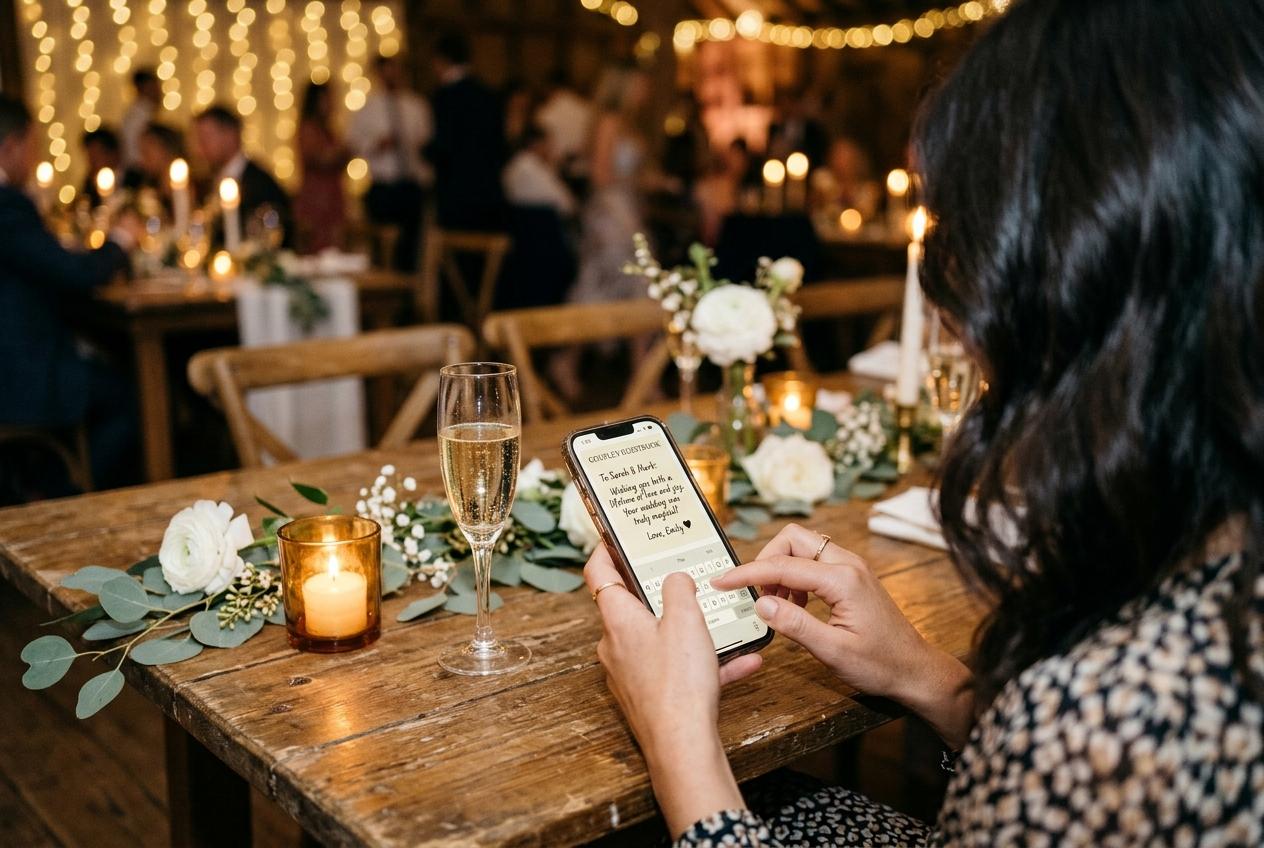
A guest asking where to send pictures should receive one usable answer, not a tour of your dashboard. The host's preparation makes that possible: open the event, decide what it accepts, test from outside your account and write a short instruction that a tired person can follow on a phone. The goal is not to make every guest technically confident. It is to make the next action obvious and keep any failure small enough to diagnose. This walkthrough focuses on that receiving workflow rather than choosing a product or designing a printed invitation.
Prepare a receiving page rather than sharing your workspace
Create the collection through your host account, then use its guest link as the route for contributions. Your signed-in dashboard is where you manage the event; it is not the address to send to attendees. Open the guest address in a different browser session and confirm the event name before distributing it. That check catches a common setup error without requiring any guest to troubleshoot your account. Guests use the browser and do not need an app, account or password. Never solve an access question by handing over the host's credentials.
Decide what guests should see after sending. If the public gallery is disabled, the guest page is upload-only. If approval is switched on, submissions wait for the host to accept them. These are different behaviours, and your instructions should not promise immediate gallery appearance when either choice prevents it. Tell guests whether the host is simply receiving files or whether a shared gallery will be available. The collection is unlisted, not an authenticated gallery for verified invitees, so a forwarded link can reach additional people. If that access model is unsuitable for the occasion, resolve the mismatch before asking anyone to upload. Clear receiving rules come before decorative choices or the volume of reminders you send.
Check the limits against the request you intend to make
An invitation to send photographs and videos requires a collection that accepts both. Preview takes 20 photos, zero videos, up to 10 contributors and 500 MB, with seven days online and no downloads. It is useful for a small photo test, but instructions inviting clips would be wrong for it. Gather allows 200 photos, 30 videos and 5 GB for $19 per event, with one month online and standard downloads. Celebrate allows 750 photos, 100 videos and 20 GB for $39, with three months and original-quality downloads. Keepsake allows 2,000 photos, 300 videos and 50 GB for $69, with six months and original-quality downloads. Paid prices are one-off US-dollar prices per event.
Count the three resource questions separately: how many photographs, how many clips and how much storage. A long recording can consume meaningful storage even when the video count remains low. Leave headroom for a late batch rather than planning to reach every ceiling exactly. Also choose a contribution deadline before the event's closing date so there is time to resolve a failed transfer and take the download. If a helper is writing the invitation, give them the selected media types and deadline, not just the word unlimited from a contributor allowance. An unlimited number of contributors on a paid plan does not remove limits on the files they submit.
Write one instruction that matches the phone journey
Open this event's guest link
Tell the guest to tap the link in your message or scan the event QR code using their phone camera and open the offered address. Include the event name in the message so the destination is recognisable. They should arrive in a browser, not at your account sign-in page.
Enter the name you want the host to recognise
The name helps the host associate submissions with a contributor. Suggest a familiar full name where several attendees share a first name, but do not ask for an address, identification document or other unnecessary personal details. This is attribution for the collection, not a process that authenticates the person sending.
Choose the pictures you want to contribute
Ask people to select a manageable group from their own photo library, preferably the camera files rather than screenshots of a chat. Mention videos only if the receiving plan accepts them. Selecting files is a choice about what to share, not permission for the collection to take everything on the phone.
Finish sending and check the result
Tell guests to complete the upload action and wait for the page to report the outcome before closing it. If the result is unclear, they should ask the host to check receipt before repeating a large batch. Do not equate a selected thumbnail with a completed transfer or promise a fixed time for it to finish.
Your short invitation can compress those steps: open our event link, add your name, choose a few favourites and finish the upload before closing the page. Add the contribution date and whether the host will review pictures before they appear. Keep troubleshooting advice separate so the first message remains readable. People who need help can then receive an answer about their particular stage rather than a wall of instructions that assumes every possible problem will happen.
Rehearse with someone who did not create the event
Ask one willing person to try the written instructions without you filling in missing steps aloud. Use an expendable photograph and a guest browser session, not the host's logged-in screen. Observe whether they recognise the event, understand the name request and realise that file selection is followed by sending. If they hesitate at the same point twice, revise the words around that action. Do not describe their hesitation as a lack of technical skill; a test is valuable precisely because the organiser already knows things the guest has not been told.
- The copied guest address opens the right occasion without asking the tester for the host account.
- A sample photograph finishes uploading, and the host can find the received item by the contributor's supplied name.
- The guest's view agrees with your explanation of gallery visibility and any waiting period for review.
- A different available phone can follow the same general instruction without relying on the first phone's exact button names.
- The invitation gives a contribution deadline and a person to contact, without including host credentials or unnecessary personal information.
If you intend to collect clips, run an appropriate video test on a plan that accepts them. A successful photograph proves the basic route, not every media scenario.
Prepare help that respects different phones and abilities
Offer text as well as a camera scan
Send a tappable guest link to anyone who cannot comfortably scan a card. A person reading the invitation on their own phone should not need another device to reach the page. Keep the address accompanied by a clear event name so a family member can help without guessing which link is current.
Describe actions rather than precise screen positions
Phone photo pickers vary. Instructions such as choose from your photo library are more portable than telling everybody to press a blue button in one exact corner. If you need to help a particular person, ask what they see now and respond to that screen instead of repeating an instruction for a different phone.
Ask before handling someone else's device
A guest's library contains far more than the event photographs. Let them choose the files and control the phone where possible. If assistance is requested, explain each action before taking it and avoid browsing unrelated pictures. Helpful support should not trade a small upload problem for an intrusion into personal material.
Provide a personal exception when needed
Someone without a suitable phone may prefer to send files directly to the organiser through a familiar method. You can arrange that separately and ask permission before including their material in the shared collection. Keep track of its real source rather than implying that an upload made on their behalf authenticates the photographer.
Diagnose stalled uploads in a useful order
- The event page never opens
- Check the address and the connection first. If the guest scanned a code, see whether the camera offered a link at all. If the browser opens but cannot load, check mobile data, Wi-Fi and any venue sign-in page. Send the direct guest address as a fallback rather than immediately creating another event.
- The page opens but the file does not send
- Try one ordinary photograph on a stable connection. Confirm that the collection accepts the media type and has remaining allowance. If a small photo works but a particular clip does not, investigate the file and connection rather than asking every contributor to start over. Preserve the source file while troubleshooting.
- The guest cannot see a submitted picture
- Look in the host view before treating it as a failure. The item may be awaiting acceptance, or the public gallery may be disabled. Explain what happened in plain language. Telling someone to resend everything because the gallery is empty can create duplicates without fixing the original misunderstanding.
- A retry seems necessary
- Identify which files are missing first and repeat only those where possible. Ask the guest to keep the page open until the attempt reports an outcome. If the venue connection is unreliable, suggest returning from a better network later; there is no promised background recovery after a guest closes an unfinished transfer.
Give a helper a support role without sharing the account
A support helper can point out the guest link, explain file selection and tell people where to report a problem. That person does not need your host password. Prepare a short handover containing the event name, the guest address, whether clips are invited, the contribution deadline and how the gallery behaves. Ask the helper to refer uncertain receipt questions to the person who can check the collection. This creates a clear boundary between helping a guest use their own phone and managing the event's files.
If two additional people genuinely need event management access, Keepsake includes two extra managers. Do not describe management access as a general capability for helpers on other packages. Regardless of access, decide who handles removal requests and who checks the review queue if approval is enabled. During an event, a realistic arrangement might be one check after the meal and another the following morning rather than an implied promise of continuous attention. Tell guests if pictures will appear after review. A clear waiting period is less confusing than a seemingly empty gallery, and it lets the host enjoy the event instead of responding to the same uncertainty at every table.
Confirm receipt and finish the host's part
While contributions arrive
Check the collection, not just the conversation
A guest saying sent is useful, but receipt is confirmed by the item reaching the collection. Check a sample of incoming material and keep an eye on remaining allowance. If a known important clip is missing, contact its contributor while they still remember which file they selected.
After your reminder
Resolve exceptions individually
Some guests will have no pictures, some will need more time and some will have tried unsuccessfully. Ask about a particular missing item rather than repeatedly telling the whole group to upload. Keep the same guest address in every response so a support exchange does not accidentally create another destination.
Before saving
Make the intended review decisions
If you use approval, decide which submissions belong in the accepted collection. Rejected submissions are excluded from the archive. Resolve any removal request before presenting the saved set as the event's finished collection, and do not confuse a count of received items with a promise that every one will be shared.
Before the online period ends
Take and inspect the files
Paid plans offer collection and individual downloads, with standard quality on Gather and original quality on Celebrate and Keepsake. Download in time to check the archive, open sample media and make another copy. Preview does not include downloads, so important material should not depend on a free test collection as its only future retrieval route.
Guest-upload questions hosts should be ready for
Why do you need my name if I do not need an account?
The supplied name helps the host recognise who contributed the files. It does not create a guest account or verify identity. Use a name the organiser will understand and do not send unrelated personal information.
Does selecting pictures mean they have already arrived?
No. Selection chooses the files for an upload; the guest must complete the sending action and check the reported result. If the result is unclear, the host should check receipt before the same batch is sent again.
Can I send the pictures when I get home?
Yes, while the collection is still accepting contributions within its online period and available allowance. Keep the guest link and return with a working internet connection. An interrupted attempt should not be assumed to complete on its own after closing the page.
Why can I upload but not browse everyone else's photos?
The host can disable the public gallery for an upload-only page. Some events also hold submissions for review before acceptance. The invitation should explain that choice; it is not evidence that your upload necessarily failed.
Prepare the answer before guests ask where to send
Create the collection, verify one guest submission and write a short instruction that matches the tested route. With the receiving settings, capacity and support contact settled, you can send one clear invitation and spend less of the event diagnosing uncertainty at the table.
Photo collection by event type
Put one link on the tables and let everyone contribute.
Create a collection, print the table stands, and the photographs your guests took are waiting for you the morning after. Guests never install anything and never make an account.