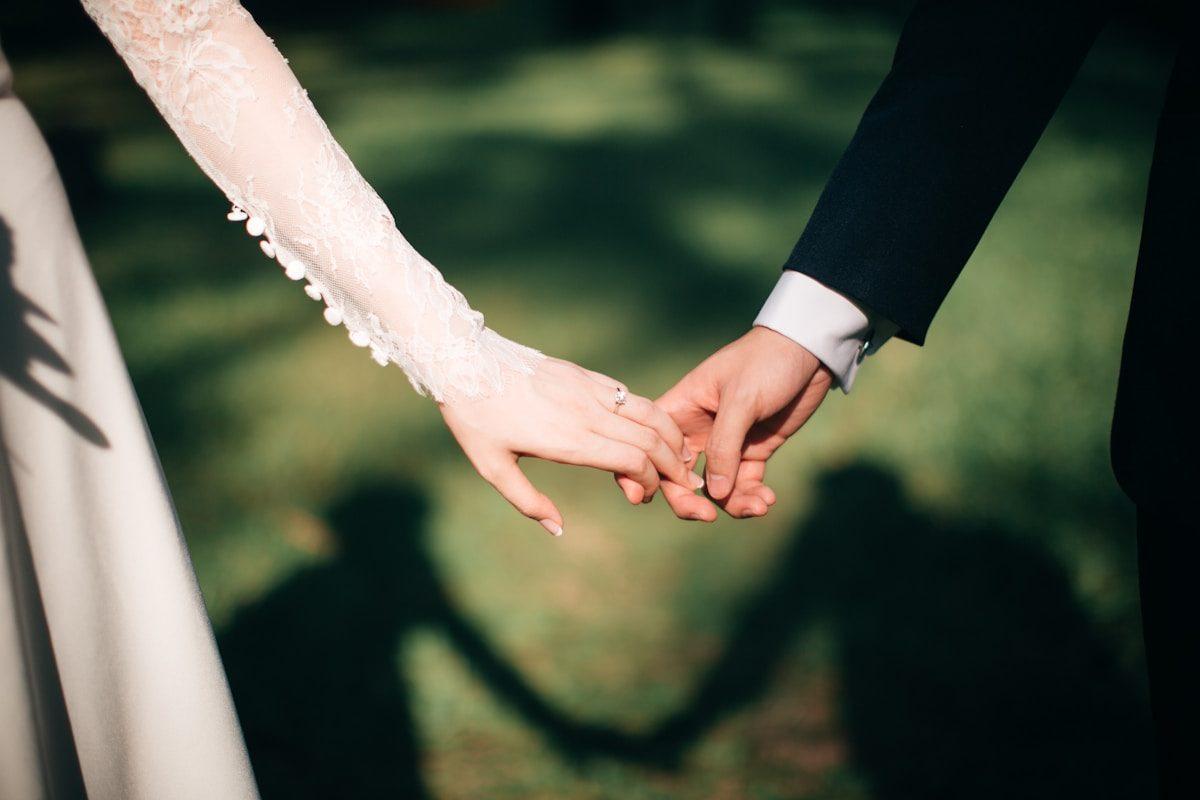
Wedding memories
A wedding memories collection website that holds everything from the day
Photographs, video clips and written messages from every guest, in one place, with the couple in control of what appears. That is the whole idea.
The word 'memories' in the context of a wedding collection website is specific rather than sentimental. It refers to the category of contributions that the professional photographer cannot produce: a written message from a guest who could not speak at the microphone, a video clip from the speech that happened to be recorded from the aisle rather than from behind the head table, a photograph from the morning after taken by the person who hosted the following day's brunch.
These contributions do not arrive automatically. They require a mechanism that is open during and after the wedding, that accepts different kinds of media, and that the couple can review and curate before anything becomes part of the permanent record. That mechanism is a collection website, and setting one up is the work of an afternoon several weeks before the wedding.
What a wedding memories collection holds
Photographs from guests
The main category and the most numerous. Photographs from every camera in the room, arriving in the order they were taken, attributed to the guest who sent them. The collection covers what the professional set covers from the official schedule and everything the official schedule does not cover: the guests photographing each other, the room photographing the couple from unexpected angles, the moments that happened before the program started.
Video clips
Available on all paid plans, video clips arrive in the same submission as photographs, from the same file picker. A guest who filmed the toast or the dance floor sends everything in one upload. The clips sit in the collection alongside the stills, with the same attribution and the same approval controls.
Written messages
With the guestbook enabled, guests can leave written messages without uploading a photograph. This is the contribution for the guest who took no photographs, who is not comfortable with technology, or who has something to say that they would not say at the microphone.
Recorded video messages
Available on Celebrate and Keepsake plans, or as a one-off add-on to Gather. A short recorded message from a guest — fifteen seconds to two minutes, taken on their phone — arrives in the same collection and can be featured or moderated separately from the photographs.
How the couple controls what appears
A memories collection website that shows everything that arrives is not a collection the couple controls. The settings exist so the couple can decide what appears, when it appears, and who can see it.
- Approval
- With approval on, nothing appears in the gallery until the event owner accepts it from the dashboard. The couple reviews the submissions at their own pace — during the event from the head table, or in the first few days after. What they accept goes into the gallery and the archive; what they decline is excluded from both.
- Guest browsing
- Switched on, the gallery is visible to anyone who opens the collection address. Switched off, the page is upload-only: guests contribute without seeing the collection forming. Most couples prefer to review before allowing browsing, so the gallery switch goes on after the approval queue is clear.
- Written and video guestbook
- Both have their own enable switches, independent of the photo collection. A couple who wants photographs and no written messages can configure that. A couple who wants video messages but not a written guestbook can do the same.
Sharing the collection after the wedding
The collection address is permanent for the duration of the plan period. After the wedding, it becomes the gallery that the couple shares with family and friends who want to see what the room photographed. The same address that the guests uploaded to is the address that the grandparents open to browse.
How the collection is used at different points after the event
The day after
Review and approve
Work through the approval queue while the faces are still fresh and the story of the day is still linear. Accept the photographs you want in the gallery; decline the ones that do not belong. This is the job that takes an afternoon and is worth doing while it is still easy.
The first week
Share with family
Switch the gallery on and send the collection address to the people who have been asking. The same link they would have used to upload is the link they use to browse. Parents, siblings and friends who could not come can see the collection from home.
Before the plan ends
Download the archive
The archive contains the original files for every accepted submission, with contributor names and submission dates. Download it and store it in at least two places before the plan period closes. Warning mail arrives before the closure, but it is easy to let the deadline slip.
Download before the collection closes
The plan period starts from the event date. Gather gives one month, Celebrate gives three, Keepsake gives six. The archive you download during the period is the permanent copy; after the period ends, the files are removed from the platform.
What happens when a collection closesQuestions about wedding memories collection websites
Can the collection include both photos and videos?
Yes. All paid plans accept photographs and video clips in the same submission. The number of clips varies by plan: Gather holds thirty, Celebrate holds one hundred, and Keepsake holds three hundred.
Can guests see the full collection or just their own uploads?
That is controlled by the gallery switch. With it on, guests can browse everything that has been accepted. With it off, the page is upload-only. The couple sees everything from the dashboard regardless of this setting.
Can the collection be used as a guest memory book?
Yes. With the guestbook enabled, guests can leave written messages alongside their photographs. The messages appear in the same collection and are included in the downloadable archive. For recorded video messages, the Celebrate or Keepsake plan is required.
Is there a limit on how long the collection stays up?
Yes. Each plan has a duration starting from the event date. Additional retention periods are available as add-ons. The event owner receives warning mail before the collection closes.
Can family members who were not at the wedding see the photos?
Yes. With the gallery switched on, anyone with the collection address can browse. Share the address with family by message or email and they can open the gallery from any device with a browser.
Open the collection before the wedding week starts
Create the event now, so the link is ready for the invitation and the guestbook settings are decided in advance. Everything else follows from having the collection in place.
Wedding photo sharing
Put one link on the tables and let everyone contribute.
Create a collection, print the table stands, and the photographs your guests took are waiting for you the morning after. Guests never install anything and never make an account.