Digital photo album
A digital wedding guest photo album that builds itself during the reception
Every guest with a phone is photographing your wedding. A digital album that accepts their contributions without accounts or downloads becomes the record of the day as the room experienced it.
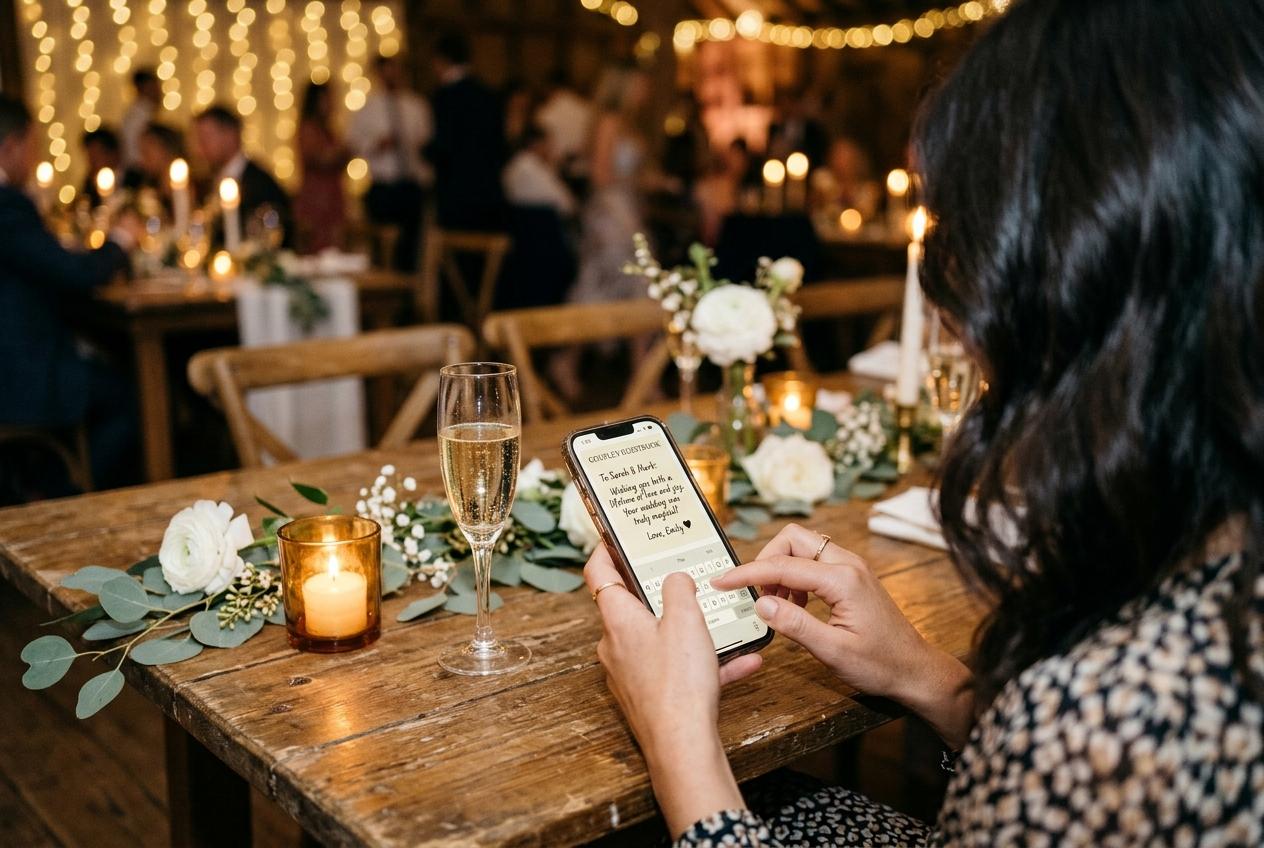
A digital wedding guest photo album is different from a digital wedding album in one important way: the contributions come from many people, not from one photographer. That changes everything about how it has to work. A single photographer delivers an edited set at a scheduled time. A guest photo album grows continuously from the morning of the wedding to the morning after, one upload at a time, from whatever phone was nearest the right moment.
The design challenge is making contribution as easy as browsing. A guest who opens the album to look at what others have sent should find the upload form just as easy to find, because the album is only as good as the photographs in it, and the photographs are only in it if the guests felt comfortable putting them there.
What makes a digital guest album different from a printed one
It is assembled during the event, not after
A printed guest album requires collecting photographs after the wedding, which means following up with guests weeks later and working with compressed images from messaging apps. A digital album accepts contributions while the event is happening, in the moment when photographs are at the top of the camera roll and the guest is still in the room.
It holds video alongside photographs
A printed album holds stills. A digital album holds the toast, the dance, the speech from the aisle, and the clip of the moment nobody scheduled. These are different media, and both matter to the couple who watches them in the first week of marriage.
It is browsable from anywhere
A digital guest album with a shareable web address can be opened by the grandparents at home, the friend who could not attend, and the photographer looking for frames they did not capture. The distribution cost is a link.
It is downloadable as an archive
Unlike a physical album, a digital guest album can be backed up. The original files from every guest's camera roll, in the resolution they were taken, can be downloaded as a single archive at the end of the event period.
How the album fills during the wedding day
Understanding how contributions arrive helps with planning the placement of QR codes and the timing of the announcement.
Contributions across the wedding day
Pre-ceremony
Getting-ready and arrival photographs
These arrive from the wedding party, from family members who were present in the morning, and from early-arriving guests. They are the least predictable category and the one most couples are surprised to receive.
Ceremony
The formal moments from every row
Some guests photograph during the ceremony; others prefer to be present. What arrives from this period is the ceremony from angles the photographer was not positioned to cover: the view from the back row, the expressions of the front row, the moment the vows landed.
Reception — dinner and speeches
The main wave of contributions
The table card with the QR code drives most of the album's contents. During the two-hour dinner window, a guest at each table scans the code, uploads, and mentions it to the person next to them. This is when the album grows fastest.
Evening and after
Dance floor, candid moments, next-day photographs
These are smaller in number but often more spontaneous: unlit, unposed, and from the parts of the evening the photographer moved away from. Many couples find these are the photographs they open most often in the second year.
Curating the album before sharing it
The couple decides what appears in the digital guest album. With approval on, every submission waits in a queue until the event owner reviews and accepts it. This is the step that separates a curated digital album from a raw collection dump. It takes an afternoon in the first week after the wedding, while the faces and the story of the day are still fresh.
- Working through the queue
- Submissions arrive in chronological order. The event owner accepts the ones they want in the gallery and declines the rest. Declined submissions are removed from the gallery and from the archive. The result is a curated digital album, not a raw upload folder.
- Switching the gallery on
- With the gallery off during the event, guests contribute without seeing each other's uploads. After the queue is clear and the album is curated, switch the gallery on and share the address with family and friends who want to browse.
- Featuring specific photographs
- Individual photographs can be pinned or featured from the dashboard, so the album opens on the frames the couple considers most important. This is an optional step but is worth doing before sharing the album with parents.
Questions about digital wedding guest photo albums
Do guests need to create an account to contribute to the album?
No. Guests type a name and select photographs from their camera roll. No account, no email verification, no login of any kind. The barrier is intentionally as low as possible.
Can guests see the album forming as they upload?
Only if the gallery is switched on. With it off — which is the default — the page shows only the upload form. The couple sees the full collection from the dashboard. Many couples switch the gallery on after reviewing and approving submissions.
How do we share the finished album with family?
The collection address is the album address. Send the link by message or email to anyone you want to share the album with. They open the same address in their browser.
Can we include the professional photographs in the same album?
The event owner can upload files directly from the dashboard, so professional photographs can be added alongside guest contributions if the couple wants a single combined album. The two sets are stored in the same collection and downloaded in the same archive.
What is the difference between the digital album and the downloadable archive?
The album is the gallery that guests browse — the curated, approved set that the couple chose to include. The archive is the downloadable file that contains the original uploads for every accepted submission. The archive is what the couple keeps long-term; the album is what guests see while the collection is active.
Open the digital album before the stationery goes out
Create the event and put the upload link on the invitation. The album will be waiting for the first photograph your guests take on the day.
Wedding photo sharing
Put one link on the tables and let everyone contribute.
Create a collection, print the table stands, and the photographs your guests took are waiting for you the morning after. Guests never install anything and never make an account.