Party QR codes
QR code for party photo uploads: let guests contribute at the moment they take the picture
A party photo upload QR code removes the gap between a guest taking a picture and the host receiving it. Place it on the table, mention it once, and the gallery fills while the music is still on.
Table stands, printed codes and the scan that opens an upload page.
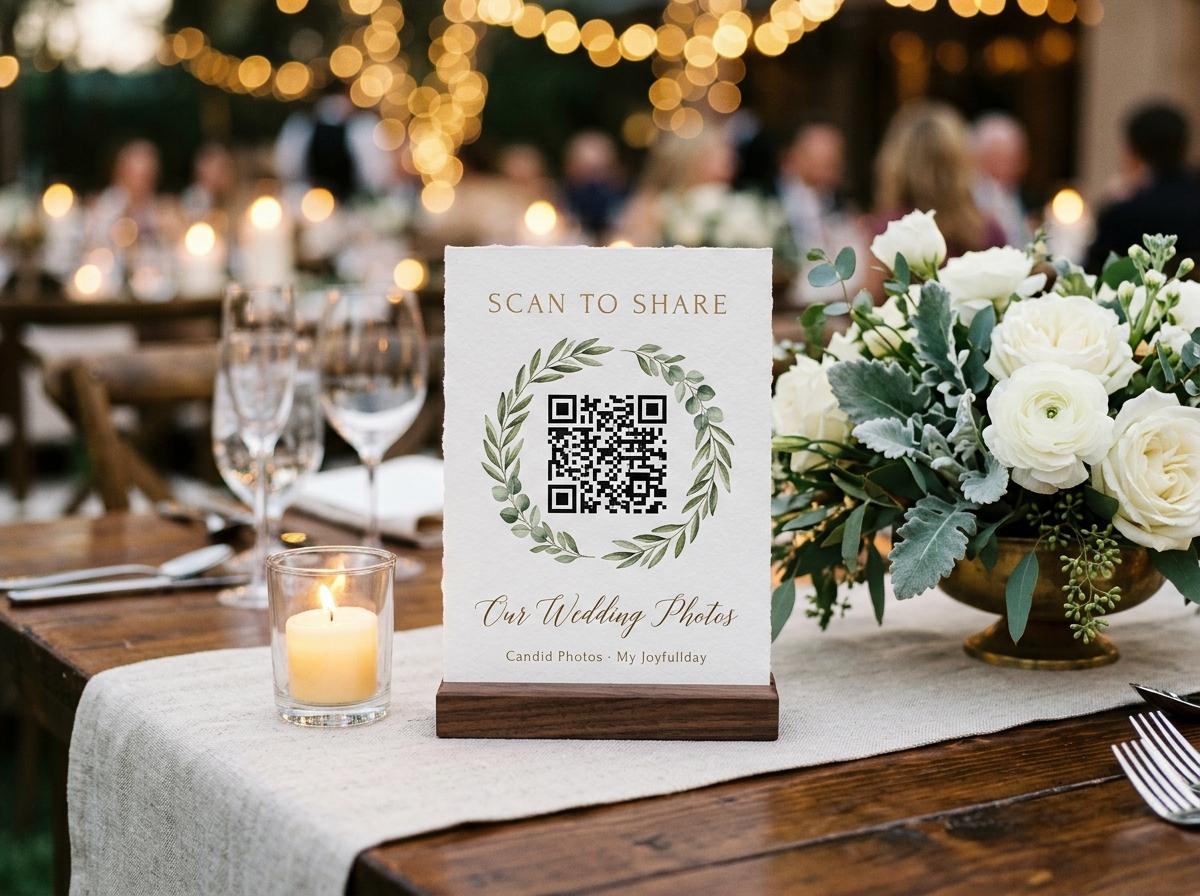
Parties are informal. That informality is part of what makes the photographs good — people are relaxed, the light is different at eleven in the evening than at a formal afternoon event, and the shots that land are the ones nobody planned. The same informality makes photo collection harder. There is no programme, no announcement slot, and no one whose job it is to remember. A QR code on a table stand handles that naturally: it is a standing prompt, available all evening, that works in the gaps between conversations.
Why a QR code works at a party specifically
At a party, most guests have their phone in their hand or pocket throughout the evening. The barrier to uploading a photo is therefore not access to the device — it is knowing where to send it. A code that is physically present in the room, at a scale guests can see from across the table, removes that barrier without requiring anyone to announce anything.
No natural pause in the programme
Unlike a wedding or a formal dinner, most parties do not have a programme of events. There is no moment when the host can address the room and explain the photo-sharing system. A code that is visible throughout the evening works in this environment; a verbal announcement that happens once, at the wrong moment, does not.
Guests are already on their phones
Party guests check their phones frequently and naturally. A code visible from their seat prompts a contribution in the same motion — scan, select, upload — without requiring them to change what they are doing.
High photo volume
Parties produce a lot of photographs, often from multiple guests capturing the same moments from different angles. A shared gallery that holds all of them is more complete and more interesting than any one person's camera roll.
Setting up and printing the code
Create the event in Candid Photos
Name the party and choose a plan. The event page produces a QR code immediately.
Download and print the QR code
Download the code image and print it at a size that is visible from normal table distance — 8 to 12 centimetres on a side is reliable. Add a short label: 'Scan to add your photos'.
Place the codes at the party
Put a code on each table or at high-traffic spots. The more places it is visible, the higher the number of guests who will contribute.
What contributors need
- A phone with a camera
- Any smartphone with a camera — which includes every device a party guest is likely to carry.
- No app installation
- The camera reads the code and opens a URL in the browser. No additional installation step.
- No account
- Contributors type a name and submit. No registration, no password.
- Mobile data or wifi
- Uploading requires a network connection. Most guests use mobile data. If the venue has wifi, sharing the password alongside the code gives guests the option.
After the party: what the host has
A gallery containing every photo and video submitted during the party, with contributor names. The host can download the full collection in original quality, share a view-only gallery link with guests who want to browse what was captured, and store the files wherever is most convenient.
Questions about party QR codes for photo uploads
Can the same QR code be placed on multiple stands?
Yes. The code can be printed any number of times. All scans go to the same event gallery.
What if a guest uploads something the host does not want in the gallery?
The host can review submissions and remove any that are not appropriate for the collection. Depending on the plan, the host can also set approval to manual, so submissions appear in the shared gallery only after review.
Can guests upload video at a party?
Yes. Video clips go into the same collection as photographs. The plan determines how many minutes of video the collection can hold.
How long after the party can guests still upload?
The event stays open to uploads for the duration specified by the plan. This can be a few days or longer, giving guests who forgot on the night a window to contribute.
Put a QR code at your party
Create the event, print the code, and let the gallery fill while the room is still full.
QR code photo sharing
Put one link on the tables and let everyone contribute.
Create a collection, print the table stands, and the photographs your guests took are waiting for you the morning after. Guests never install anything and never make an account.