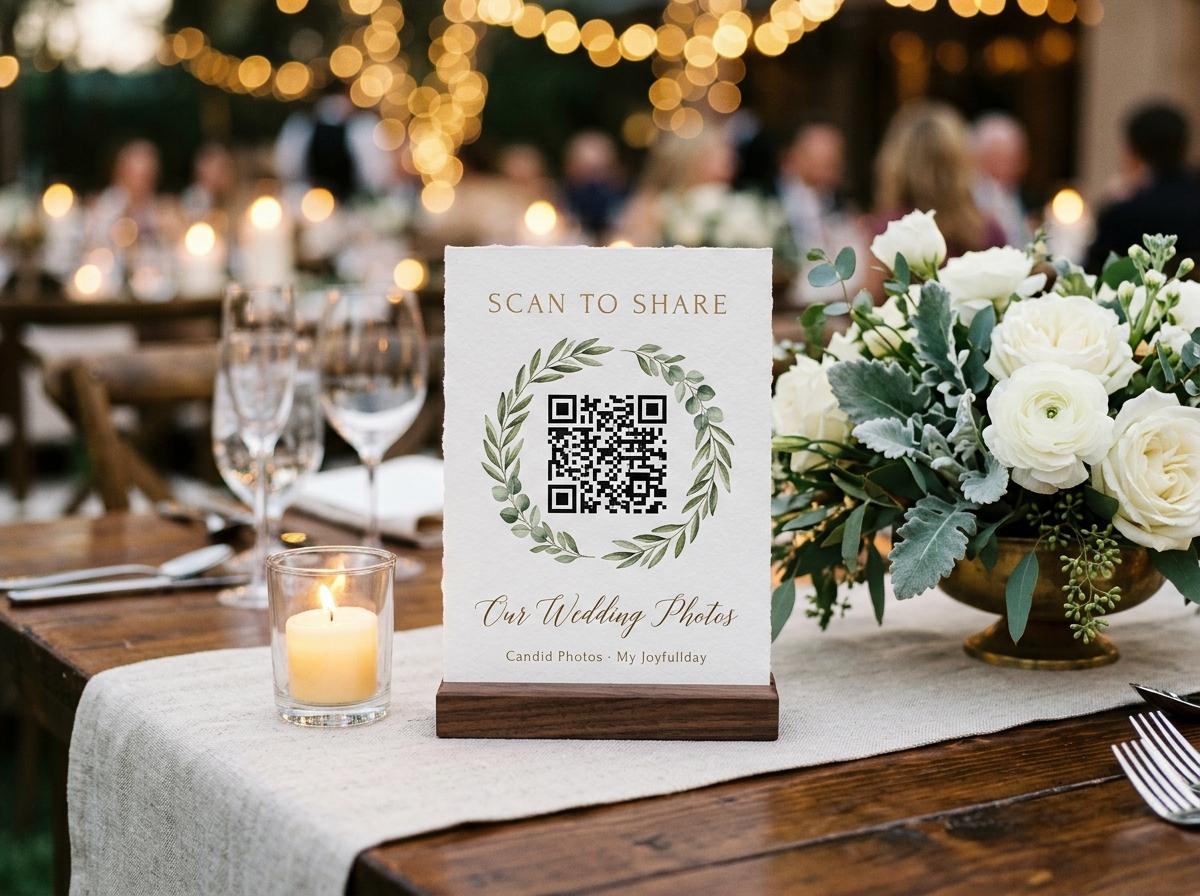
Graduation and school events
Graduation QR Code for Guest Photo Uploads
A QR code at a graduation ceremony or reception gives every guest — family, classmates, friends — a way to contribute their photographs without leaving the moment. This page explains how to set up the code, where to display it at a graduation event, and what the graduate or organiser ends up with.
A QR code at a graduation event works for the same reason it works at a birthday party: the moment a guest photographs the ceremony, they are already holding the phone that can scan the code. The gap between taking a photograph and contributing it to a shared collection collapses from several days to thirty seconds.
The code at a graduation event has a slightly different context from the same code at a party. Graduation venues are often formal — a university hall, a town centre location, an outdoor campus space — and the people scanning are mixed: parents who have never scanned a QR code for a photo gallery before, students who do it instinctively, grandparents who may need one demonstration. The design and placement of the stand adjusts for all of these.
Where to display the code at a graduation event
Effective positions at different graduation venues
The reception entrance
Every guest passes through the entrance, usually while waiting for the ceremony to begin or immediately after it. A stand at the entrance is encountered in a moment of relative calm.
The drinks station at the reception
Post-ceremony receptions are where most graduation photographs are taken. A stand at the drinks station is in the visual field of every guest who passes through.
The table where graduates assemble for group photographs
Every graduate and their immediate family visits this point. It is a natural gathering point for QR code placement.
The printed programme
If the graduation ceremony has a printed programme, the short URL in the programme reaches every guest who attends, including those who would never scan a code at the venue.
The digital invitation
Including the link in the digital communication sent before the ceremony means guests arrive knowing there is a gallery, and many will scan the code promptly because they were already expecting it.
What the scan opens
Scanning the code opens a browser page with an upload form. The guest selects photographs from their camera roll, enters a name, and sends. The upload happens in the background while the guest continues with the reception or the dinner. No installation, no account, no receipt.
The graduation guest scan-to-upload experience
Point the phone camera at the code
Modern iOS and Android camera apps recognise QR codes and display a prompt to open the link. No separate QR reader is required.
The upload page opens in the browser
The page loads in the guest's default browser. No app store, no account.
Select graduation photographs
Any photographs in the camera roll, including video. The guest selects one or many.
Enter a name and send
One name field. The files upload directly from the browser.
Helping guests who have not scanned a code before
For many parents and grandparents attending a graduation, a photo-sharing QR code is a new experience. The stand that explains what the code does — 'Scan to upload your graduation photos' with a brief visual instruction — removes most of the uncertainty. For guests who struggle, one demonstration from a younger family member or classmate is usually sufficient.
- Stand text
- The printed stand includes a short explanation of what the scan does. 'Scan with your phone camera and upload your photos' is enough for most guests.
- Alternative URL
- Every QR code has a matching short URL. Guests who prefer to type the address can do so. Including the URL on the stand or in the printed programme provides the alternative.
- Assisted upload
- For guests who want to contribute but cannot manage the scan, a family member can assist — open the link on the guest's own phone, help them select photographs, and complete the upload together.
After the ceremony: contributions continue
The QR code at the venue captures contributions during the event. The link continues to work after the ceremony for as long as the event is open. Guests who forgot to scan at the reception, those who went through their camera roll at home, and classmates who want to contribute photographs from other parts of the day can all use the same link later.
Questions about graduation QR codes for photos
Can I add the QR code to the printed ceremony programme?
Yes. The event generates a QR code image that can be inserted into any print-ready design, including the printed programme.
What if the venue has unreliable WiFi?
Mobile data works for uploads. If the venue has no mobile signal in some areas, guests can upload later using the same link from wherever they have connectivity.
Can I use the same code for multiple graduation events?
One code is associated with one event. If you want to collect photos from both the university ceremony and the family celebration, one event gallery covers both — the same code and link work for all parts of the day.
Can classmates share the QR code image with people who were not at the venue?
Yes. The QR code image can be shared digitally, and anyone who scans it can contribute photographs regardless of whether they attended the ceremony.
Set up your graduation photo gallery
Create the event, print the QR stand, and place it at the reception. The gallery fills while the celebration runs.
Photo collection by event type
Put one link on the tables and let everyone contribute.
Create a collection, print the table stands, and the photographs your guests took are waiting for you the morning after. Guests never install anything and never make an account.