Parties and celebrations
One Photo Upload Link for Your Party, Shared With Every Guest
A party guest photo upload link is a single address that every guest can open, without an account, to contribute their photographs and videos to a shared collection. This page explains how to create one, where to share it, and what the host has at the end of the party.
A photo upload link does one thing: it gives every guest at a party the same destination for their photographs, without requiring any of them to install software, create an account, or know in advance that they would want to contribute. The link is short enough to include in a WhatsApp message or print in an invitation, and it opens in any browser on any phone.
The host creates the event, copies the link, and distributes it. Guests who click or type it arrive at an upload page, select their photographs, enter a name, and send. The gallery assembles on the host's side as contributions arrive. The host takes a full-resolution download at the end.
Where to share the link before and during the party
The link reaches guests through every channel the host already uses. It is not a new platform requiring a new contact list — it is an address that sits inside the communication that is already happening.
Channels that work for the link
The event invitation
Whether the invitation is a printed card, a digital design, or a WhatsApp message, the short URL fits in one line. Including it here reaches every guest before the party starts.
The event group chat
Paste the link the morning of the party, once, without explanation. Guests who want to contribute will click it; the ones who do not will not be interrupted.
A QR code at the venue
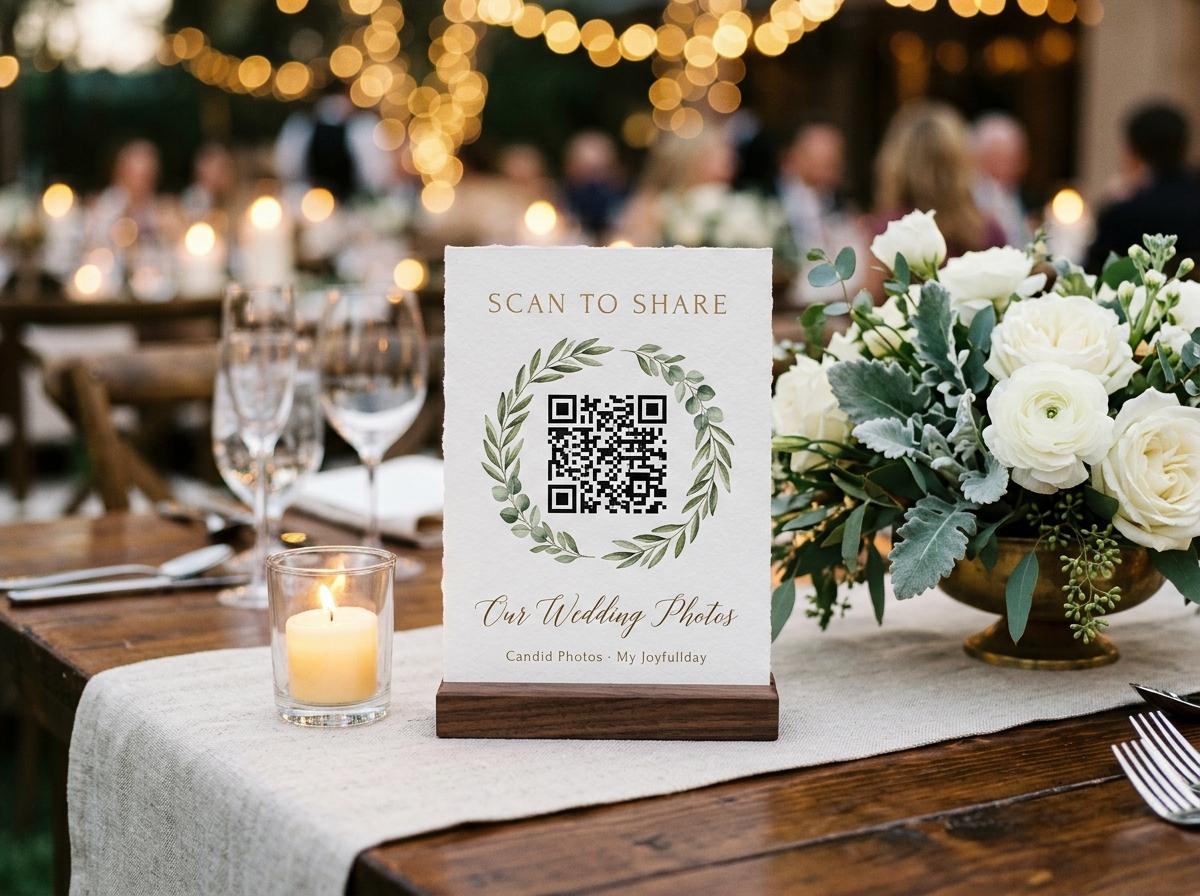
The same address generates a QR code that can be printed as a table stand. At the party, guests scan rather than type. Placement at the cake table, drinks station, or entrance is effective.
Direct message on the day after
Guests who forgot to contribute at the party often have excellent photographs from the quieter moments. A direct message with the link, sent the morning after, reaches people while the event is still fresh.
What the guest upload page asks for
The page that opens from the link is intentionally short. A party invitation asks something of people, and the photo upload experience should not add to that ask. Guests see a name field and a photo picker. Nothing else. No sign-up prompt, no cookie preferences, no account suggestion.
- Name field
- One text field. This is the only information requested from the guest. It appears beside every photograph they upload so the host can identify contributors later.
- Photo and video picker
- The standard file picker on the guest's device. Works identically on iPhone, Android, and any device with a browser.
- Optional message
- Guests can include a short text note with their upload. Many do not, but for milestone parties and reunions, notes that arrive alongside photographs are often the most valued part of the collection.
- No confirmation email
- Guests are not asked for an email address and do not receive a confirmation. The upload completes and the page shows a simple acknowledgement.
How the gallery builds as the party runs
Contributions arrive in real time. The host's gallery view updates as guests upload. The gallery is sorted by submission time, so contributions from the beginning of the party appear first and those from later in the evening follow. The host does not need to do anything during the party — the gallery is simply accumulating while the event runs.
Before the party
Early contributions
Guests who saw the link in the invitation sometimes send photographs of the birthday person from previous years, messages from people who cannot attend, or pictures taken on the way to the venue.
During the party
Real-time uploads
Guests at the venue scan the QR code or click the link in the chat. The gallery fills as the party runs. No management is required from the host.
The day after
Latecomers and camera roll browsers
Several good contributions typically arrive the morning after. Guests who left early, those who were too busy to scan at the venue, and people who want to send a carefully chosen photograph rather than a quick one all contribute here.
The closing date
Take the download
The host downloads the full collection as a zip archive of original files. After the collection closes, the downloaded archive is the permanent record.
Privacy and control over what appears
The link is accessible to anyone who has it, which is a reasonable default for a party — the people who have the address are the people who were invited. For parties with children or sensitive guests, approval mode is the appropriate setting: every submission waits in a queue until the host accepts it before appearing in the gallery. The public gallery can also be turned off so that only the host sees the browsable collection.
Questions about party guest photo upload links
Can I reuse the same link for different parties?
No. Each event generates its own link, and the link is associated with that event's gallery. Creating a separate event for each party keeps the collections distinct and the closing dates independent.
What if someone shares the link with people who were not at the party?
Anyone with the link can contribute. If you want to restrict contributions to invited guests only, enable approval mode so that you review each submission before it appears in the gallery.
Can guests upload from their computer as well as their phone?
Yes. The upload page works in any browser. Guests who want to upload photographs from a laptop or desktop can open the link on that device and use the standard file picker.
How long does the link stay active?
The link stays active until the closing date you set when creating the event. After the closing date, the upload page shows a message indicating that the event is closed.
Create the upload link for your party
Open the event, copy the link, and put it in the invitation. The gallery builds itself while the celebration runs.
Birthdays and parties
Put one link on the tables and let everyone contribute.
Create a collection, print the table stands, and the photographs your guests took are waiting for you the morning after. Guests never install anything and never make an account.