Understand the free tier before the guest list arrives
A free wedding photo sharing app is useful when the limits fit the day
A free wedding photo sharing app can be enough for a small gathering or a test run. Before you print the QR code, check how many guests, photos, videos and days it covers, and what happens when the collection closes.
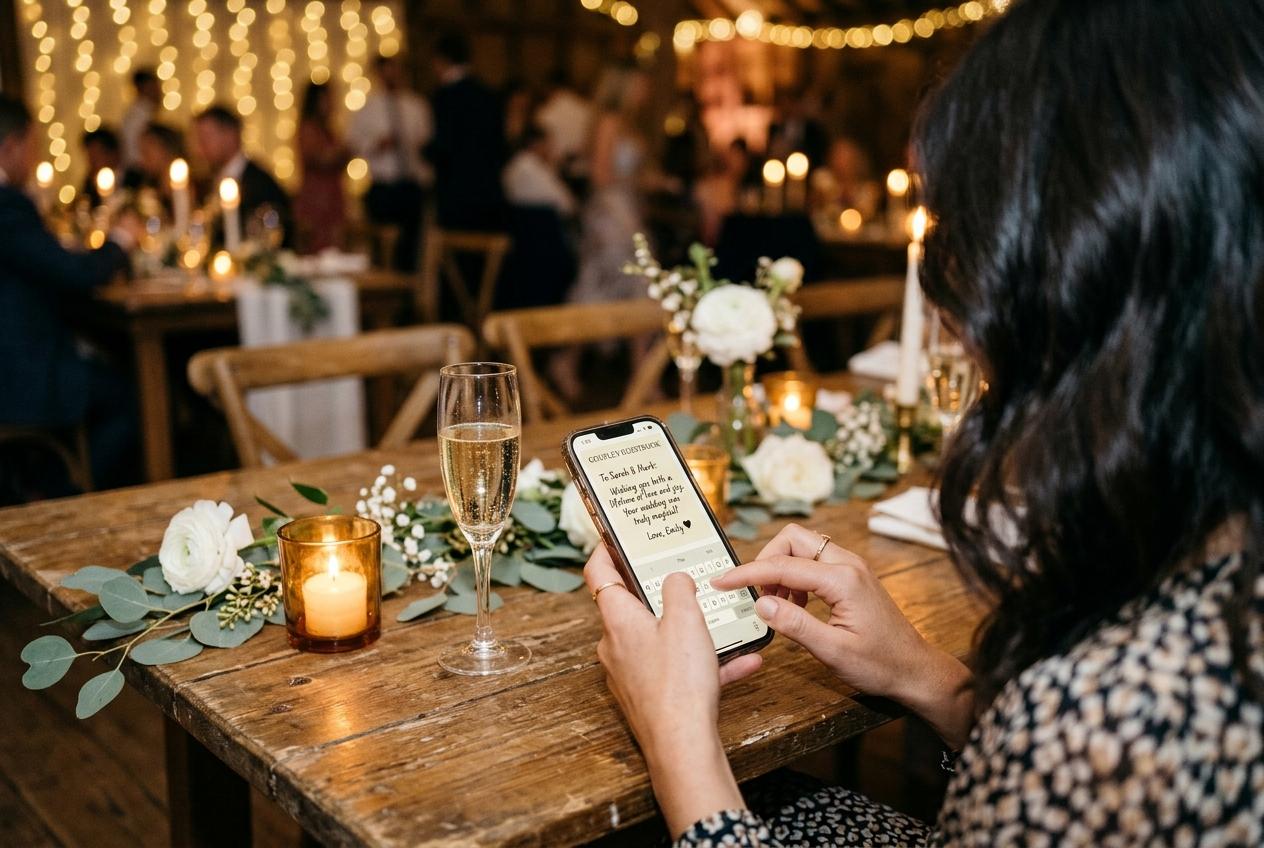
The word free is doing a lot of work in wedding photo sharing. Sometimes it means a complete service with an upload cap. Sometimes it means a small preview before payment, storage attached to a personal account, or an app that costs nothing but asks every guest to install and learn it. Those are different offers, and the one that looks cheapest on a comparison page may not fit the day you are planning. Before you choose, write down the number of people likely to send something, whether you want video, how long the collection should stay available and whether you need to download the full set. Then compare the free allowance against those needs rather than against a vague promise of unlimited sharing.
What Candid Photos includes at no charge
Candid Photos has a free Preview package for one event. It includes up to 20 photos, no video uploads, 500 MB of storage, up to ten contributing guests and seven days online. A host can create the event, share its link or matching QR code, and let guests open the upload page in a browser. Guests provide a name and select files; they do not need an app, account or password. The Preview package is a real way to try the guest journey and gather a small set, but its limits are part of the offer. A wedding with more than ten contributing guests, a stream of video clips, or a need to keep the gallery beyond a week should compare a paid plan before inviting the whole guest list.
That distinction matters because the free limit is not just a number on a pricing table. Imagine that ten relatives contribute early and the collection reaches its twenty-photo cap while the ceremony and reception are still ahead. A host who chose Preview expecting an unlimited shared album may be surprised at precisely the moment they should be enjoying the day. If your wedding is very small, or if you want to see how the link behaves before paying for an event, Preview can be a sensible starting point. If you plan to rely on it as the full event collection, decide first whether the guest and file allowances leave enough room for the moments you want to gather.
Translate a free allowance into your guest list
Count contributors, not invitations. A couple may invite eighty people and expect only a portion to send images. Another wedding may have twenty guests with several relatives each contributing throughout the day. Think about the specific moments you want: the room before the ceremony, the walk back down the aisle, the meal, speeches and dancing. Then estimate how many pictures each contributor might choose. You do not need a precise forecast, but you do need to recognise when a twenty-photo ceiling leaves no margin for a room of people who all want to share. A free plan should be treated as a bounded collection unless its published terms say otherwise.
Keep storage separate from file count. A set of small images and a set of long phone videos can use very different amounts of space, even when both collections have the same number of files. Read the maximum size per file, the total storage allowance and the rules for video. Candid Preview offers no video uploads, so a couple that wants guests' clips needs to choose another package or another service. Gather includes 200 photos, 30 videos and 5 GB of storage. Celebrate includes 750 photos, 100 videos and 20 GB. Keepsake includes 2,000 photos, 300 videos and 50 GB. Those are distinct packages with distinct allowances, not an unlimited free offer.
Look at time limits as carefully as upload limits
A free collection that closes before relatives have had a chance to look through it may still be useful, but only if the host has downloaded the files in time. Candid Preview stays online for seven days. Gather includes one month online, Celebrate includes three months and Keepsake includes six months. The included period is measured from the event date, not from the day a host finally remembers to open the dashboard. If you plan to send the gallery to family after the wedding or revisit it at an anniversary, choose a period that fits that use or check the price of extending it.
Do not treat a retention window as a backup. Before it ends, the host should download the collection archive and check that it opens. Candid allows individual file downloads or a single streamed archive; download quality depends on the package. Celebrate and Keepsake provide original-quality downloads, Gather offers standard downloads and Preview has no downloads. Candid sends a warning email before the online collection is removed. That warning is a reminder, not an alternative to keeping a copy. Save the archive in a place you control and, if the photos matter, keep a second copy on separate storage.
Compare free options by the steps guests must take
A no-cost plan can still have a cost in guest effort. Check whether a person must install an application, create an account, join a particular photo service, enter an access code or ask the host for permission. Every extra step is one more thing to explain at the reception. Candid opens from a browser address or QR code and does not require guest registration. Other free options may depend on the guests already using a cloud account or installing an app. That can be perfectly acceptable for a small group that knows the service, but a wedding guest list often includes people with different phones, storage space, technical confidence and patience.
Test the path from a phone that is not connected to the host account. Scan the code, select one photograph, send it and read the confirmation. If a service requires an app, try the install on a guest's phone before the event rather than assuming everyone will do it in a crowded room. If it uses a shared folder, check what a contributor can see and whether they need an account. A free plan earns its place when both the allowance and the guest journey are clear. The displayed price alone cannot tell you whether grandparents, attendants and friends will be able to participate without help.
Privacy is part of the price comparison
Ask what a link allows a guest to see, who can upload, whether the collection is listed publicly and what the host can switch off. Candid event pages are kept out of search indexes and are not shown in a public event directory. The host can turn off the guest-facing gallery while leaving the upload page available. The guestbook has its own setting. A host can also choose to hold incoming submissions for approval before they appear. Compare these controls on the free plan itself; some services reserve useful privacy settings for paid plans, while others may not offer the control you have in mind.
A private link is still a link, so consider where the QR code will appear and whom you will send it to. A printed sign at the reception and a public social post reach different audiences. Decide whether guests should see one another's uploads or only send files to the host. Decide who will review submissions if approval is enabled. If a slideshow will display images on a screen, think about how quickly a new upload can appear and who can manage the display. These details are easy to settle while choosing a package and difficult to debate after a file is already on the screen.
Know what happens when free is no longer enough
Some hosts can begin with a free plan and upgrade before inviting everyone. Others use a small trial to test the product, then create a paid event for the wedding itself. Find out whether an upgrade preserves the same event address and files, which limits change, and whether you can make the change before the event starts. Candid's package prices are one-off per event: Gather is $19, Celebrate is $39 and Keepsake is $69, alongside the free Preview package. Gather provides 200 photos, 30 videos, 5 GB and one month online. Choose a paid package based on the allowances and included features you need, not because a higher tier sounds more reassuring.
Extra upload allowances and longer retention are offered as one-off add-ons. If a slideshow or recorded video guestbook matters, check whether it is included or would be an add-on: Gather can add a live slideshow or video guestbook for $9 each, while Celebrate and Keepsake include them. The decision is easier when you calculate the whole event cost, including any extra storage or time, before the wedding. A free starting point is valuable if it lets you test the flow without a card. It is less useful if it hides the limits that determine whether the collection will still work after the ceremony.
Free is not always the best fit for every wedding
If your guests already share photographs through a familiar service and the group is small, that option may be enough. If you want files from a wide group of people, a purpose-built event page can make participation more straightforward. If you only need the photographer's edited gallery, use the photographer's delivery platform; guest uploads are a separate need. If you want a printed album, select the final images after the event and commission one rather than expecting a digital collection to do the design work. Each option solves a different problem. Free is a good price only when the service still provides the access, capacity and ownership you require.
It is also reasonable to use two tools for two jobs. A photographer's gallery can hold edited photographs, while a guest collection gathers candid frames and clips from the reception. A chat can remain the place where close friends talk, while the shared collection is where files are downloaded and kept. The important thing is to avoid treating a group conversation as the only archive if you need a complete copy later. Before choosing, identify who owns each account, where the full-resolution downloads come from, when the event page will close, and who will save the archive. Those answers make a low-cost setup more reliable than selecting the lowest sticker price by itself.
A five-minute checklist before you invite guests
Write down the limits and test the route
- Count likely contributors rather than only invited guests.
- Estimate the number of photos and decide whether guests should send videos.
- Record the storage allowance and the date the collection will close.
- Check whether downloads are included and what quality you receive.
- Scan the QR code from a second phone and complete a test upload.
- Confirm who can view the gallery and whether submissions can be held for review.
- Decide who downloads and stores the archive after the event.
If one free-plan limit does not fit your expected use, compare the next package before printing or sharing the event code.
Choose the smallest plan that actually covers the day
A free wedding photo sharing app is a useful search starting point, not a complete decision. Preview works for up to ten contributors sending at most twenty photos, with no video and seven days online. If that matches your event, it may cover the job. If you expect more contributors, want guest video, need a longer window or want to download the collection, compare the paid limits and the alternatives on those exact points. The goal is not to buy the largest plan; it is to avoid discovering a constraint after the room has started sending files. A realistic estimate and a short test will usually answer the question better than a list of feature names.
After you decide, include one clear instruction with the QR code: what to share, where to scan and how long the link will remain available. Say it once during the welcome and place the code where people pause. Keep the upload link in a message for guests who are not in the room. Test the event as a host and as a guest, and put the archive deadline in a calendar. That is a complete plan: guests can participate, the couple knows the limits and someone is responsible for the files after the celebration.
Questions about free wedding photo sharing
Is Candid Photos free for an entire wedding?
Preview is free for one event and includes up to 20 photos, ten contributing guests, 500 MB and seven days online. It does not include video uploads or downloads, so check whether those limits fit your wedding.
Can wedding guests upload videos on the free plan?
No. Candid Preview does not include video uploads. Gather and higher packages include video allowances; check the pricing page for each package's current limits.
Do guests need an app or account to upload?
No. Guests open the event link or scan the QR code in a browser, provide a name and choose their files. They do not need to install an app or create an account.
How long does a free wedding photo collection stay online?
Candid Preview stays online for seven days from the event date. Download access is not included in Preview, so compare a package with downloads if you need to keep the files.
Check whether Preview fits your guest list
Start with a small test, then compare the event limits before sharing a code with the whole wedding party.
Guides and comparisons
Put one link on the tables and let everyone contribute.
Create a collection, print the table stands, and the photographs your guests took are waiting for you the morning after. Guests never install anything and never make an account.